21
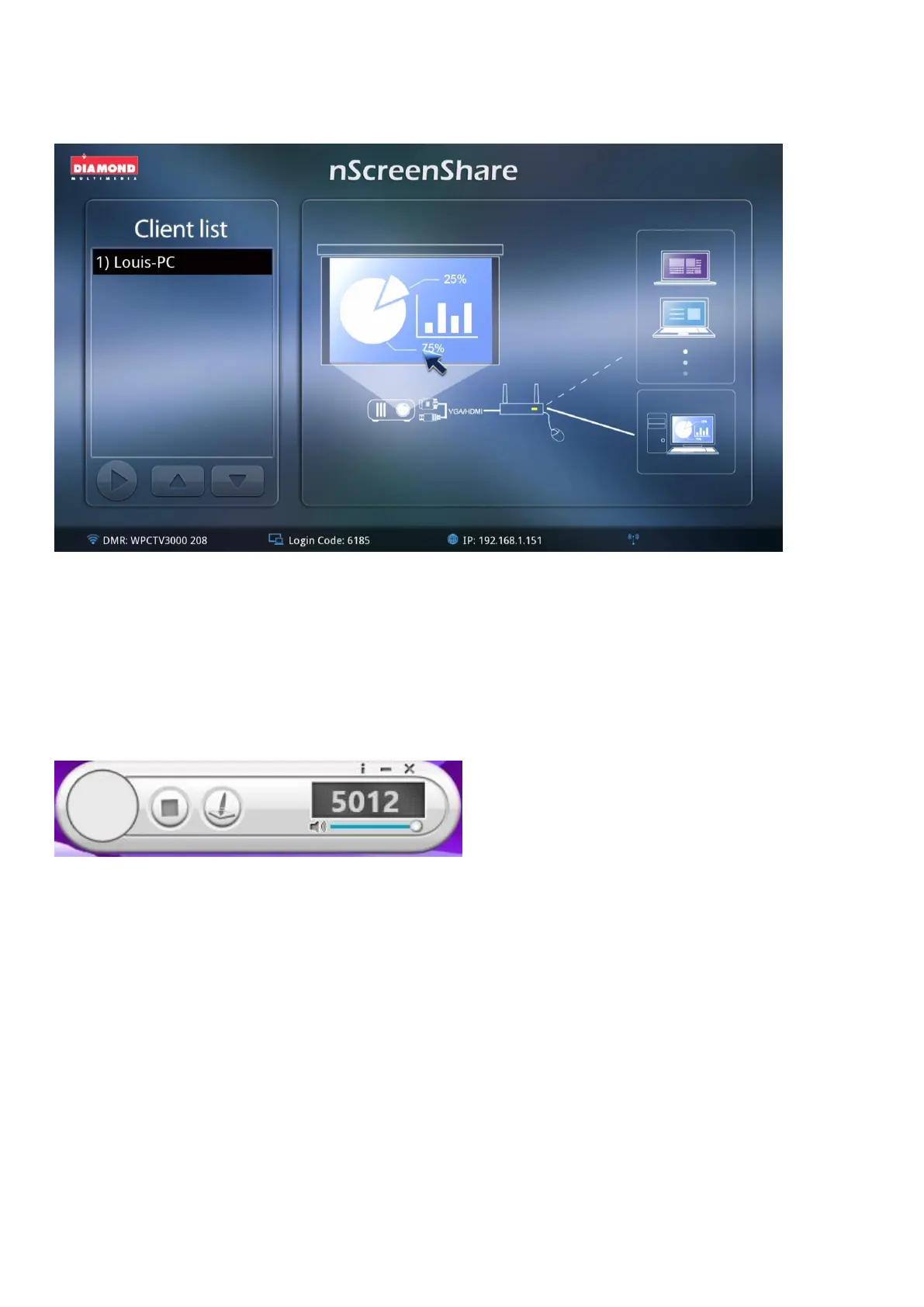
select and the device will automatically project their PC screen image over.
(B) Client Mode
If you are connected as client (connecting to the same WPCTV3000 and active the nScreenshare), you
could only project the screen image when Administration chooses to. Just simply follow the steps in
ScreenShare and you will be able to log in the same conference room with others.
As in Client Mode, it will only show below tool bar since only Administration can project the image.



 To Next Page