EasyManua.ls Logo

Diamond Counter Point - Detailed Control Explanations

Diamond Counter Point
8 pages
Print Icon
To Next Page IconTo Next Page
To Previous Page IconTo Previous Page
Loading...
! "
CONTROLS EXPLAINED
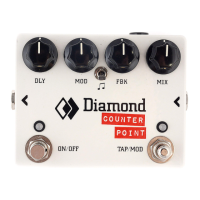
The Counter Point offers 4 major delay modes, each accessible by sequentially toggling through
using the MODE toggle switch. The modes can be identified by the color of the right hand side
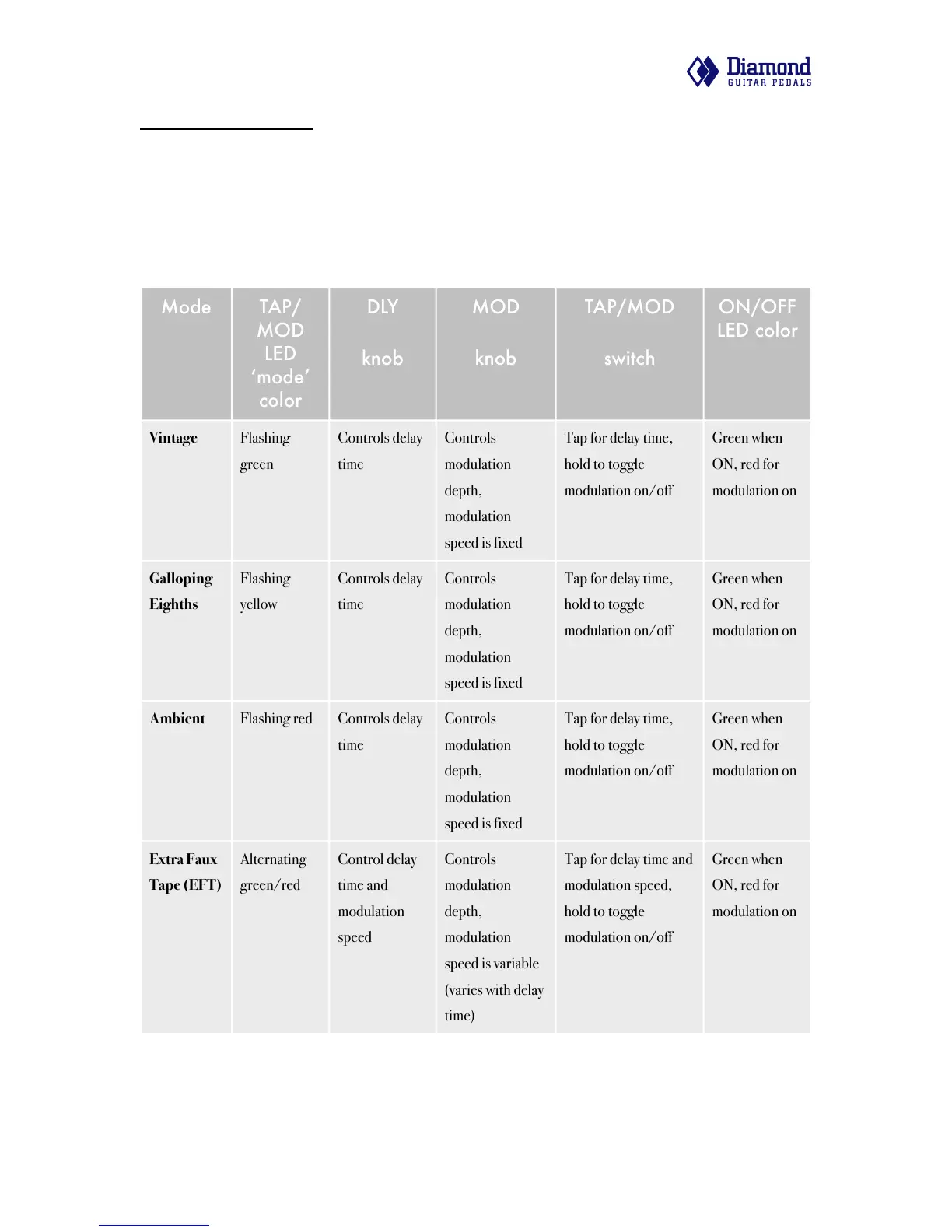
TAP/MOD LED. The following table briefly summarizes each mode and the purpose and
function of user controls when in that mode. The modes will be discussed in further detail later in
this section.
Mode
TAP/
MOD
LED
mode
color
DLY
knob
MOD
knob
ON/OFF
LED color
Vintage
Flashing
green
Controls delay
time
Controls
modulation
depth,
modulation
speed is fixed
Green when
ON, red for
modulation on
Galloping
Eighths
Flashing
yellow
Controls delay
time
Controls
modulation
depth,
modulation
speed is fixed
Green when
ON, red for
modulation on
Ambient
Flashing red
Controls delay
time
Controls
modulation
depth,
modulation
speed is fixed
Green when
ON, red for
modulation on
Extra Faux
Tape (EFT)
Alternating
green/red
Control delay
time and
modulation
speed
Controls
modulation
depth,
modulation
speed is variable
(varies with delay
time)
Green when
ON, red for
modulation on
Counter Point user manual v1.0! " 5

Related product manuals