EasyManua.ls Logo

Diamond Vision DVDV805-03 - User Manual

Diamond Vision DVDV805-03
43 pages
Print Icon
To Next Page IconTo Next Page
Loading...
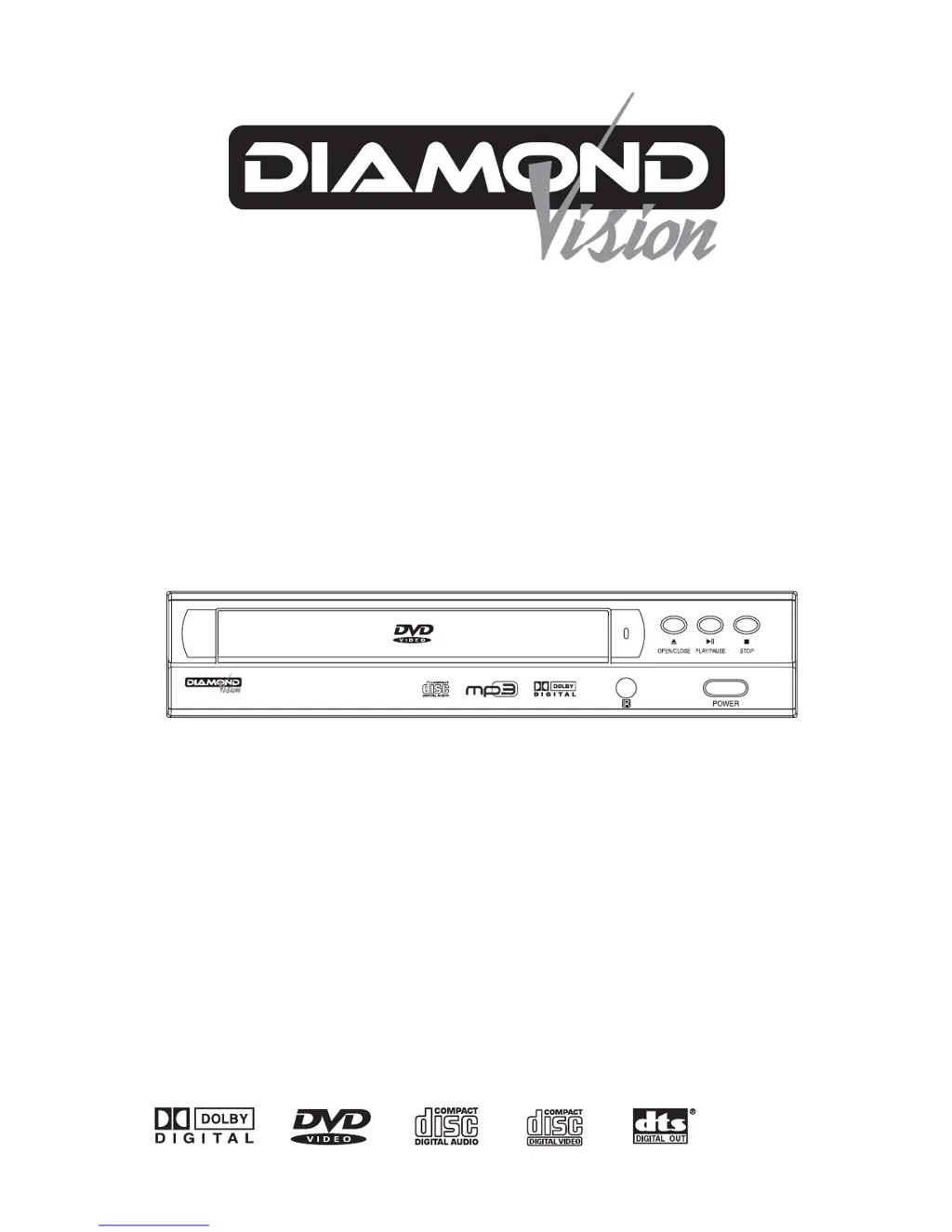
DVD / MP3 / CD PLAYER
LECTEUR DVD / MP3 / CD
DVDV805-03
DVDV805-04
mp3
THIS INSTRUCTION BOOK MAY CONTAIN ERRORS AND OMISSIONS.
DESIGN AND SPECIFICATION ARE SUBJECT TO CHANGE WITHOUT NOTICE.
CE LIVRET D’INSTRUCTIONS PEUT CONTENIR DES ERREURS ET DES OMISSIONS. LE
CONCEPT ET LES CARACTÉRISTIQUES SONT SUJETS À CHANGEMENT SANS PRÉAVIS.
OPERATION MANUAL
MANUEL DE FONCTIONNEMENT

Questions and Answers

  • C
    charlessmithJul 31, 2025
    What to do if my Diamond Vision DVDV805-03 has no power?
    • A
      Aimee WatsonJul 31, 2025
      If your Diamond DVD Player has no power, it might be because the power cord is disconnected. Make sure to securely plug the power cord into both the wall outlet and the unit.
  • E
    Ellen SandovalAug 4, 2025
    Why is there no picture on my TV when using Diamond Vision DVDV805-03 DVD Player?
    • S
      Stephen SmithAug 4, 2025
      If you're not getting a picture from your Diamond DVD Player, there could be several reasons. First, ensure that your TV is set to the correct video input mode to receive the DVD signal. Also, check that the video cable is securely connected to both the DVD player and the TV. Finally, verify that the TV is turned on.
  • B
    Bryan VargasAug 10, 2025
    Why is my Diamond Vision DVDV805-03 remote control not working?
    • S
      smithtoddAug 10, 2025
      If the remote control for your Diamond DVD Player isn't working properly, try these steps: - Point the remote control directly at the remote sensor on the DVD player. - Ensure you are within about 23 feet (7 meters) of the DVD player. - Remove any obstacles between the remote and the DVD player. - Replace the batteries in the remote control with new ones.
  • S
    Steven IbarraAug 15, 2025
    What to do if my Diamond Vision DVDV805-03 DVD Player is on but not working?
    • M
      Maria VincentAug 15, 2025
      If your Diamond DVD Player is on but not working, it might be because no disc is inserted. Insert a disc and check that the DVD or audio CD indicator in the DVD display is lit.
  • E
    Erin MitchellAug 25, 2025
    What to do if my Diamond DVD Player does not start playback?
    • P
      Pam Camacho DVMAug 25, 2025
      If your Diamond DVD Player doesn't start playback, consider these possible causes: - Ensure a disc is inserted. - Check that the inserted disc is playable, verifying the disc type, color system, and Regional code. - Make sure the disc is placed with the playback side down. - Ensure the disc is placed correctly on the disc tray inside the guide. - Clean the disc if it's dirty. - Press the SET UP button to turn off any menu on the TV screen. - Cancel the Rating function or change the rating level if it is set.
  • W
    William Wilson DVMSep 10, 2025
    Why is there no sound coming from my Diamond DVD Player?
    • G
      gardnerderekSep 12, 2025
      If you're not getting any sound from your Diamond DVD Player, check these things: - Make sure the equipment connected to the audio cable is set to the correct input mode to receive the DVD signal. - Ensure the audio cable is securely connected to the jacks. - Verify that the equipment connected to the audio cable is turned on. - Check that the Digital Audio Output is set to the correct position, then turn the DVD player on again by pressing the POWER button.

Summary

Safety Warnings and Compliance

Electrical Safety Precautions

Avoid electrical shock by not opening the unit and referring servicing to qualified personnel.

Environmental and Operational Safety

Keep away from liquids, rain, moisture; ensure ventilation; avoid heat sources; unplug when unused.

Laser Product and FCC Compliance

Unit is a Class 1 laser product; complies with FCC rules; potential interference issues discussed.

General Safety Instructions

Installation & Environment

Proper installation, ventilation, heat, power sources, grounding, and cord protection.

Usage, Cleaning & Service

Avoid liquid entry, clean properly, unplug when unused, and servicing guidelines.

Detailed Safety Precautions

Electrical and Environmental Hazards

Avoid electrical shock, liquids, rain, moisture, and ensure proper ventilation.

Operational and Maintenance Safety

Handle unit during thunder, unplug when unused, clean safely, and address smoke/malodour.

Laser Safety Warning

Unit is a Class 1 laser product; operate correctly to avoid radiation exposure.

Unit Controls and Connections

Front Panel Controls

Identifies front panel buttons like Power, Play/Pause, Stop, and Open/Close.

Rear Panel Ports

Details rear panel connections including video, audio, and power outputs.

Connecting to a TV

Connecting to an Amplifier

Basic Operation

Disc Playback and Control

Instructions for loading, playing, stopping, pausing, and resuming disc playback.

Troubleshooting Guide

Power, Picture, and Sound Issues

Solutions for no power, no picture, no sound, or player not working.

Playback and Remote Control Problems

Troubleshooting for poor picture, playback failure, and remote control malfunctions.

Diamond Vision DVDV805-03 Specifications

General IconGeneral
BrandDiamond
ModelVision DVDV805-03
CategoryDVD Player
LanguageEnglish