5
5. Now go to the 2
nd
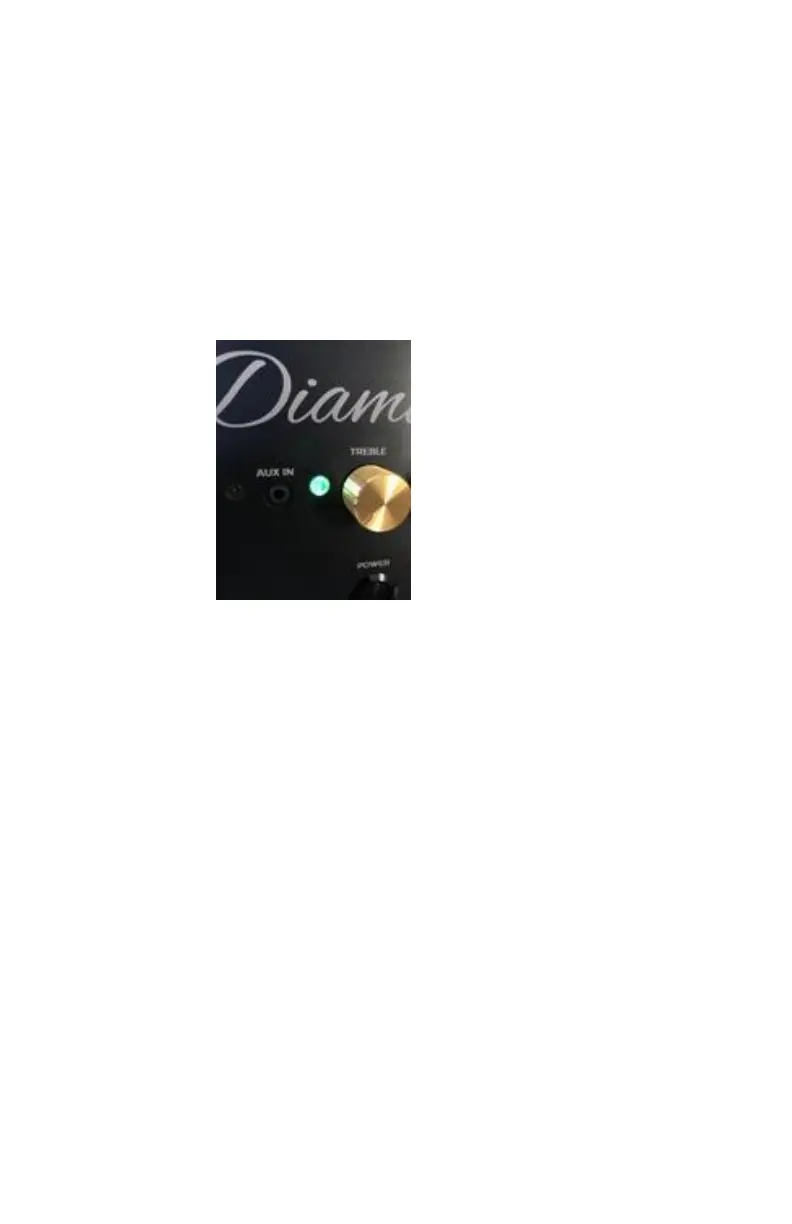
DiamondBoxx, press and hold
the TWS button until the Diamond starts
flashing Green then release button. This will set
this DiamondBoxx to “SECONDARY” speaker
which will receive and play RIGHT audio only.
6. Wait for up to 2 minutes for the
DiamondBoxxes to configure themselves and
form a secure connection.
7. NOTE: The maximum distance between the
MAIN and SECONDARY DiamondBoxxes should
be less than 50 feet with a unobstructed path of
each other. If obstructions like walls and
human bodies exist between the two
DiamondBoxxes the max range could be shorter
than 50 feet. Tip: Raising the DiamondBoxxes
off the ground/floor may help extend the range.
8. If the TWS linking procedure didn’t work, press
and hold the TWS button until the Diamond



 To Next Page