OO
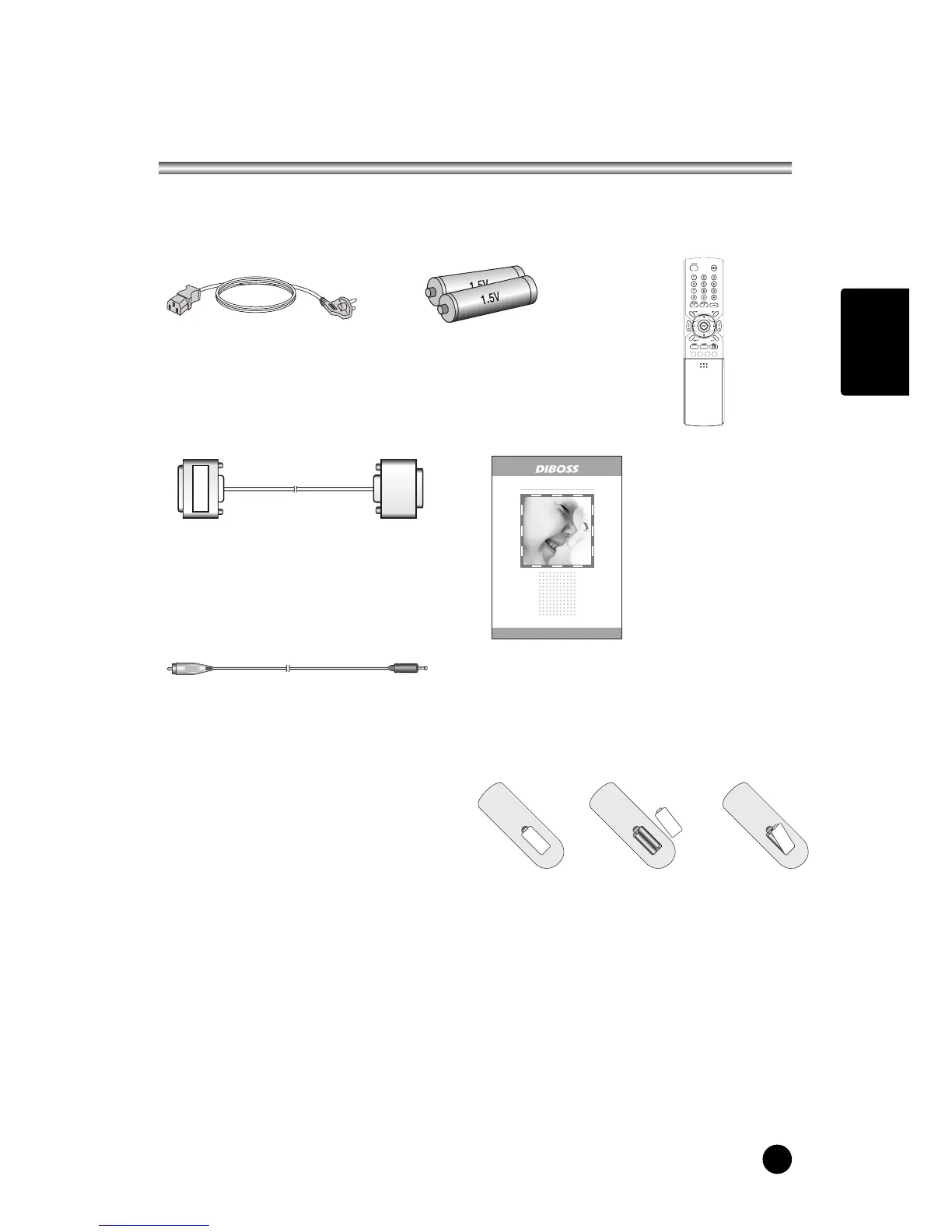
Battery installation
uInserting batteries
1. Remove the battery cover by pulling it
upward in the direction shown by the arrow.
2. Insert the batteries with correct polarity.
3. Replace the battery compartment cover.
-Install two high-quality 1.5V "AAA" alkaline batteries. Don't mix old batteries with
new batteries.
-Remove batteries when you won't use the remote controller for long time. Liquid
leakage from old batteries may cause operation failure.
uNotes for using remote controller
• Make sure there are no objects between the remote controller and its sensor.
• Don't place the remote control near a heater or in damp place. Strong impact to the
remote control may cause operation failure.
• Signal from the remote control may be disturbed by sun light or other bright light. In
this case, darken the room or move the TV.



 To Next Page