MEDIA PLAYER
-27-
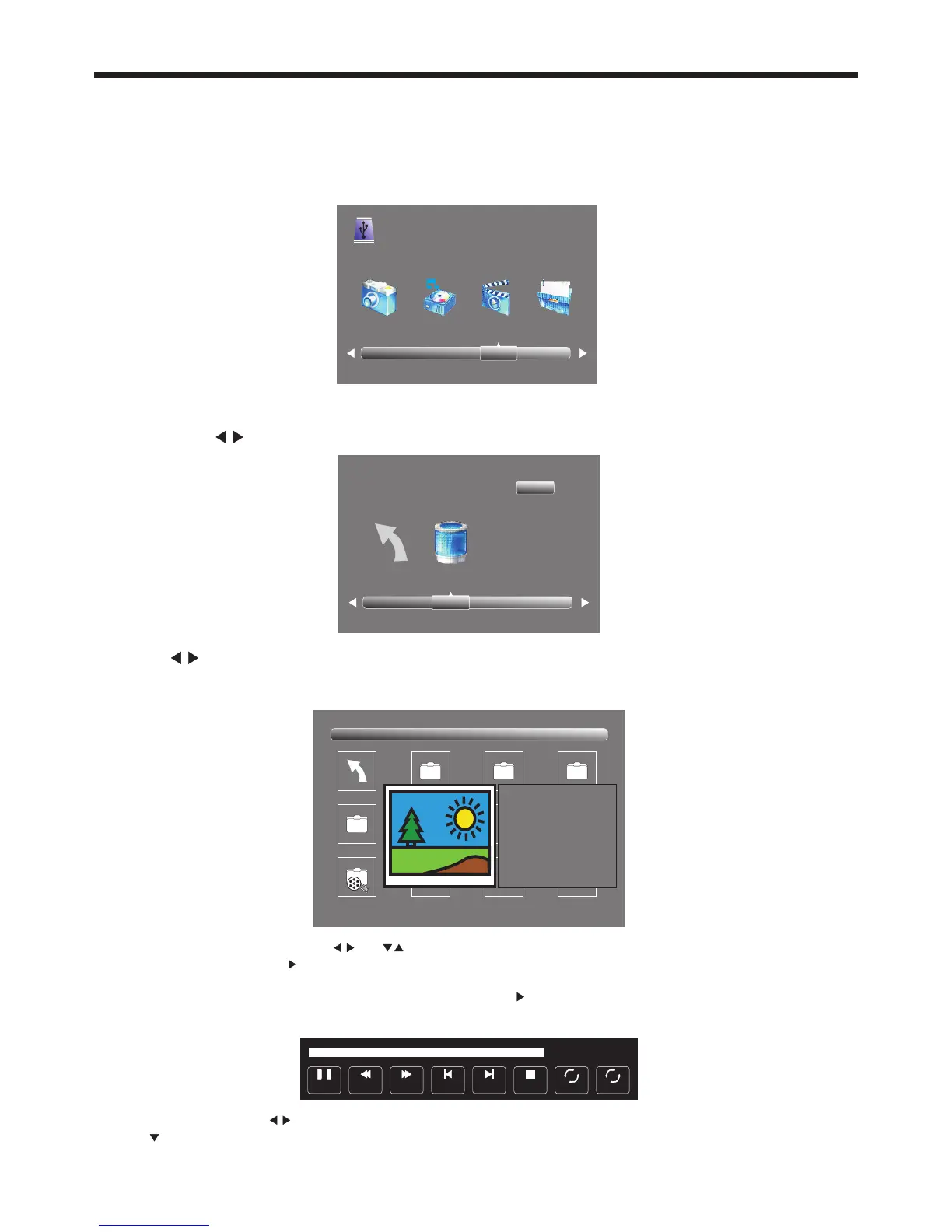
Select the media file by pressing or , then press OK and the preview frame will pop up if the file
is playable. Press the play button to play the media file in full screen mode. If you are playing back a DTV
recording made on this TV that is longer than approx 1.25 hours, don’t use the preview function (just select
the file to play using the cursor buttons, then press the Play button). When the media file (Photo, Music,
Movie, or Text type) is playing, press the OK or Info button to display the control bar at the bottom of the
screen.
Pause FF Prev. NextFB Stop
Repeat ALL
00:00:33/00:04:22
Rand om off
R
In the control bar, press to select the function icon, then press the OK button to confirm the function.
Press or EXIT button to exit the control bar.
Press the cursor buttons to select the correct disk and press OK to display the media files and folder
list or press EXIT to return to the media type selection menu. Once you have selected the required media
type and drive details, you can view the various files and folders on screen.
Return C
1/1
Sample1.ts Sample2.ts
Return
Movies
1/1
Sample3.ts Sample4.ts
Resolution: 688x412
AudioTrack: 1/2
Subtitle: 1/1
Program: 1/5
Size: 511457 KBytes
Sample1.ts
Please make sure that the USB device is plugged into the USB socket on the side of the TV. There are
four media types that can be selected, such as Photo, Music, Movie, and Text. Select the type of media
item by pressing , press OK button to enter the disk selection menu.
PHOTO MUSIC MOVIE TEXT
USB 2.0
11. Digital Media Player (DMP)
To play and view limited types of low data-rate USB media files (such as JPEG, MP3, or AVI formats),
and to view DTV programs recorded by this TV, use the USB Source that is accessible from the Input
button on the Remote Control. For playback of high data-rate media files the use of an external Media
Player (not supplied) will be required.


 To Next Page