4
6. Repeat steps 3–5 for the 2
nd
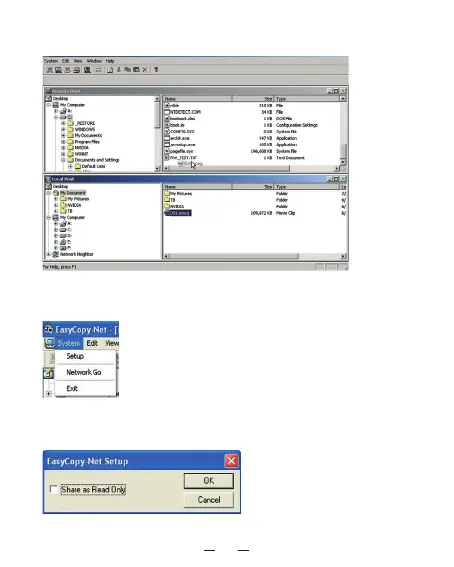
computer you want to link. When the
transfer program is complete you will see the following window:
7. Please make sure both computers have permission to access the other
computer’s files by clicking “
System”, and select “Setup”.
8. Make sure the “Share as Read Only
” checkbox is unchecked for both
computers.



 To Next Page