3
Using the Link
1. Make sure both computers you want to connect have the driver in-
stalled like in the following “Driver Installation” section of this manual.
2. Connect the computers you want to link via the enclosed USB 2.0
cable and the Link.
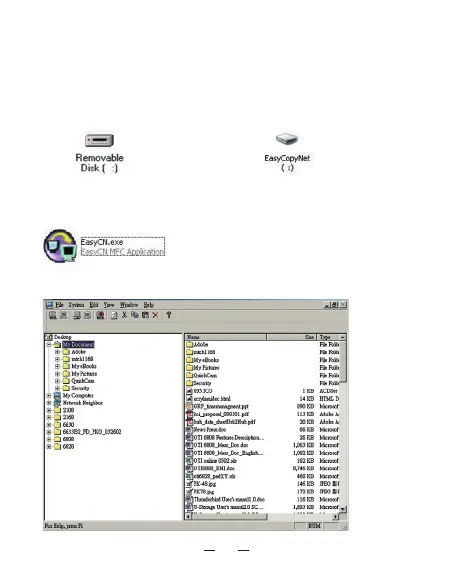
3. Double-click on “My Computer”; you will see a “Removable Disk”
icon, double click it.
or
(Windows
®
98SE, ME) (Windows
®
2000, XP)
4. Double-click on the “EasyCN.exe” icon.
5. The following screen will appear.



 To Next Page