General
• The remote control is used to activate the test mode with high-resolution volume display, and
optical pulse output. It can be ordered under order number 3074045
.
• The device is supplied complete with batteries already fitted. The remote control is therefore
ready for immediate use.
General procedure
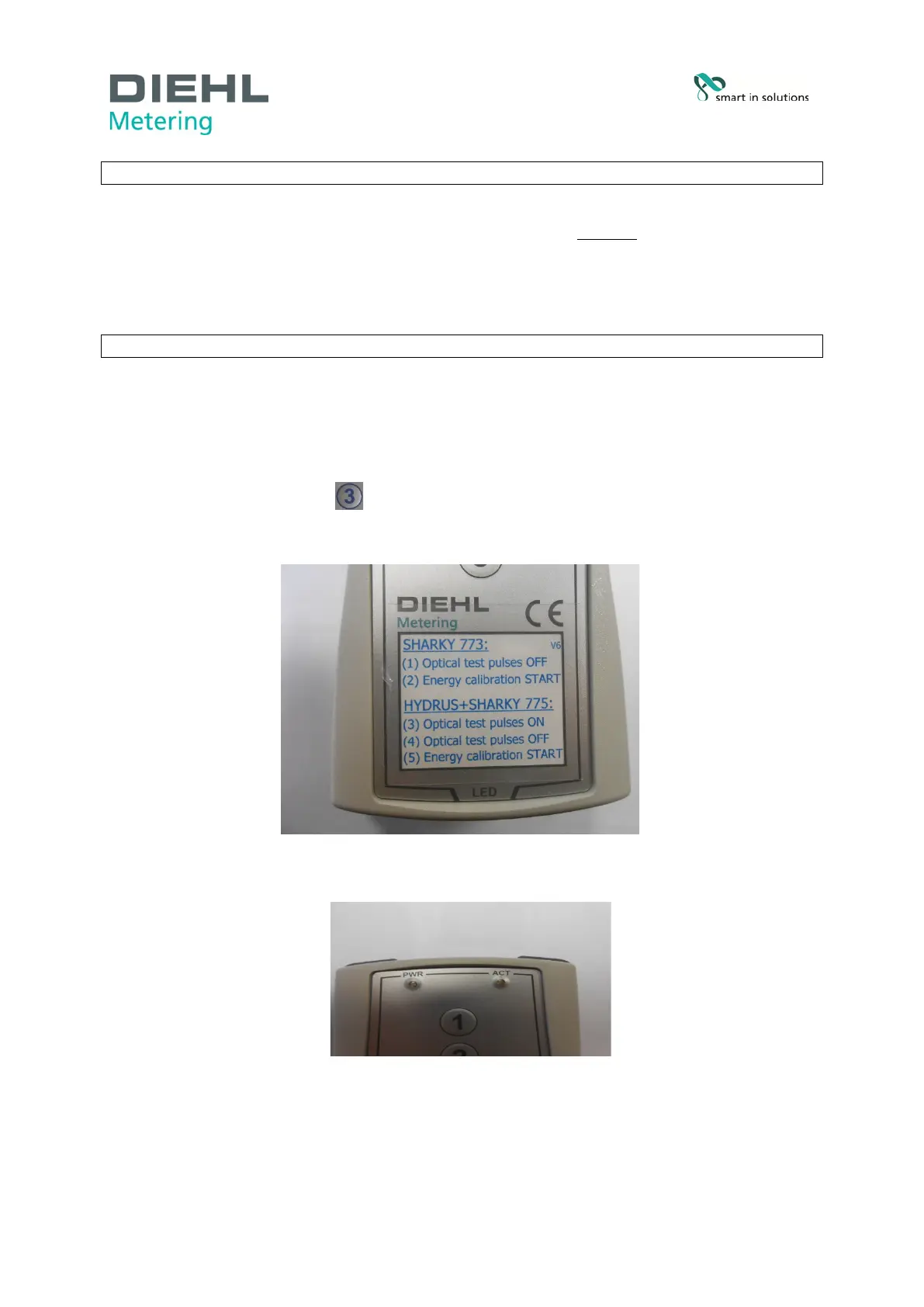
• Take the remote control and hold it so that the side marked “LED” points towards the optical
interface of the meter (Fig. A/B).
• The maximum space between the remote control and the optical interface of the meter should
be 5 centimeters.
• Press shortly the button (Optical test pulses ON).
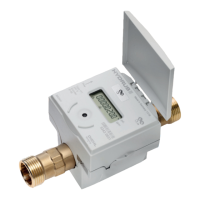
• The yellow “ACT” LED on the device (see Fig. C) glows to indicate that the remote control is
in operation.
Fig. B Remote control
Fig. C “ACT“ LED
Industriestraße 13
91522 Ansbach
Deutschland
Tel. +49 981 18 06-0
Fax. +49 981 18 06-615
info@hydrometer.de
www.diehl.com/metering
page 2 of 4



 To Next Page