HYDRUS
Performance of volume test
• Activate the test mode as described under General procedure.
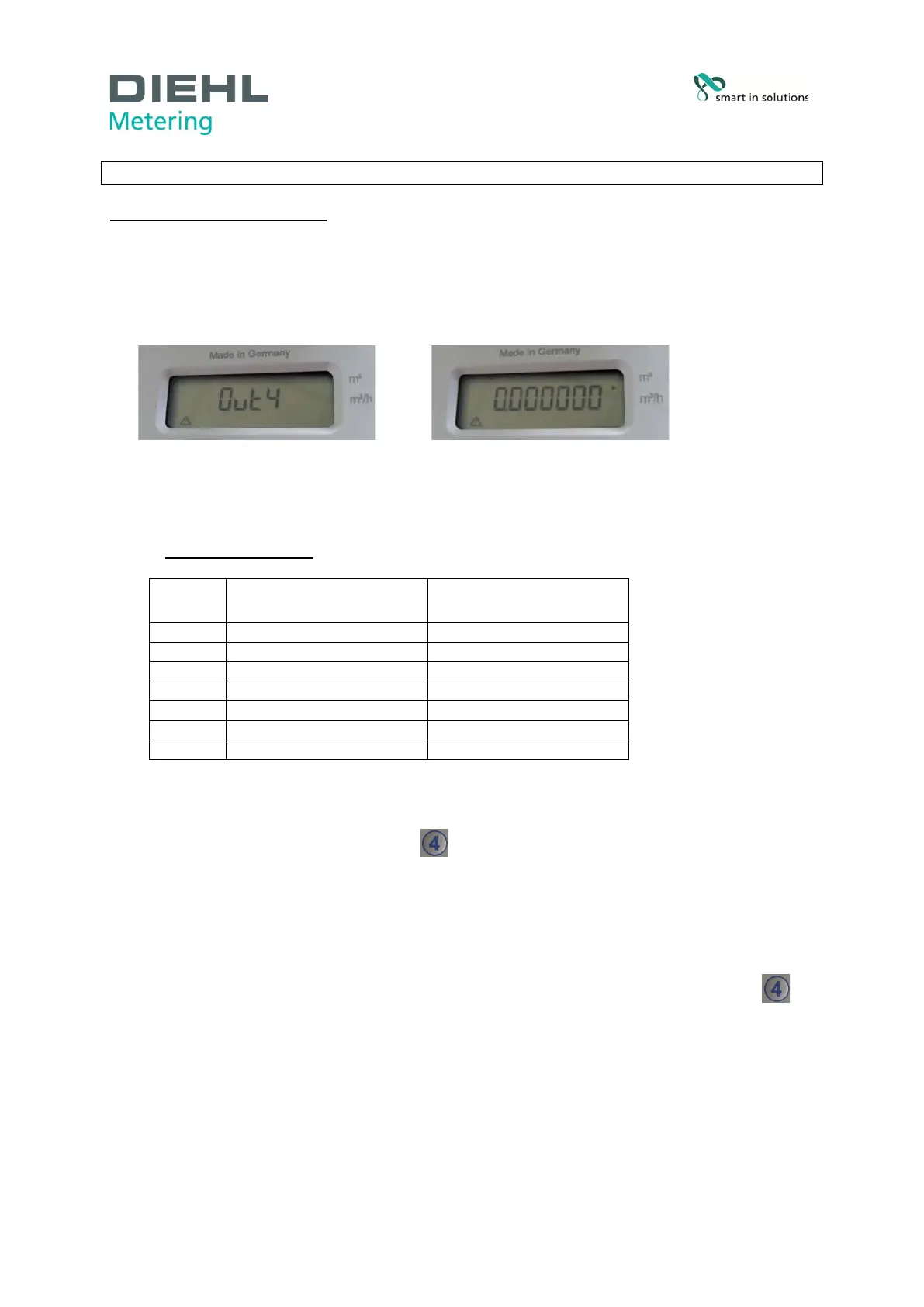
• After activating the meter display alternately indicates “Out 4” and the high-resolution
volume, e.g. 0.000000 m³ (Fig. D).
Fig. D Meter display with activated test mode
• HYDRUS now provides an output of the test pulse value for 3 hours shown in the display.
The value depends on the nominal size of the meter (Fig. E).
TEST PULSE VALUES:
Q3 TEST PULSE VALUES
PULSE DURATION
OPTOHEAD
Fig. E Test pulse values
• To end the test, briefly press button (
Optical test pulses OFF
) by holding the remote
control via the optical interface.
• The yellow “ACT” LED on the device (see Fig. C) glows to indicate that the remote control is
in operation.
• HYDRUS display no longer indicates “Out 4”.
• To prevent accidental discharge of the battery, always end the test by pressing button
(
Optical test pulses OFF)
and check that "Out 4” is no longer indicated on the display of
HYDRUS.
Industriestraße 13
91522 Ansbach
Deutschland
Tel. +49 981 18 06-0
Fax. +49 981 18 06-615
info@hydrometer.de
www.diehl.com/metering
page 3 of 4



 To Next Page