Go to previous song or next song:
From the now playing screen, press
button.
Fast-backward or Fast-rewind:
From the now playing screen, press and hold
button.
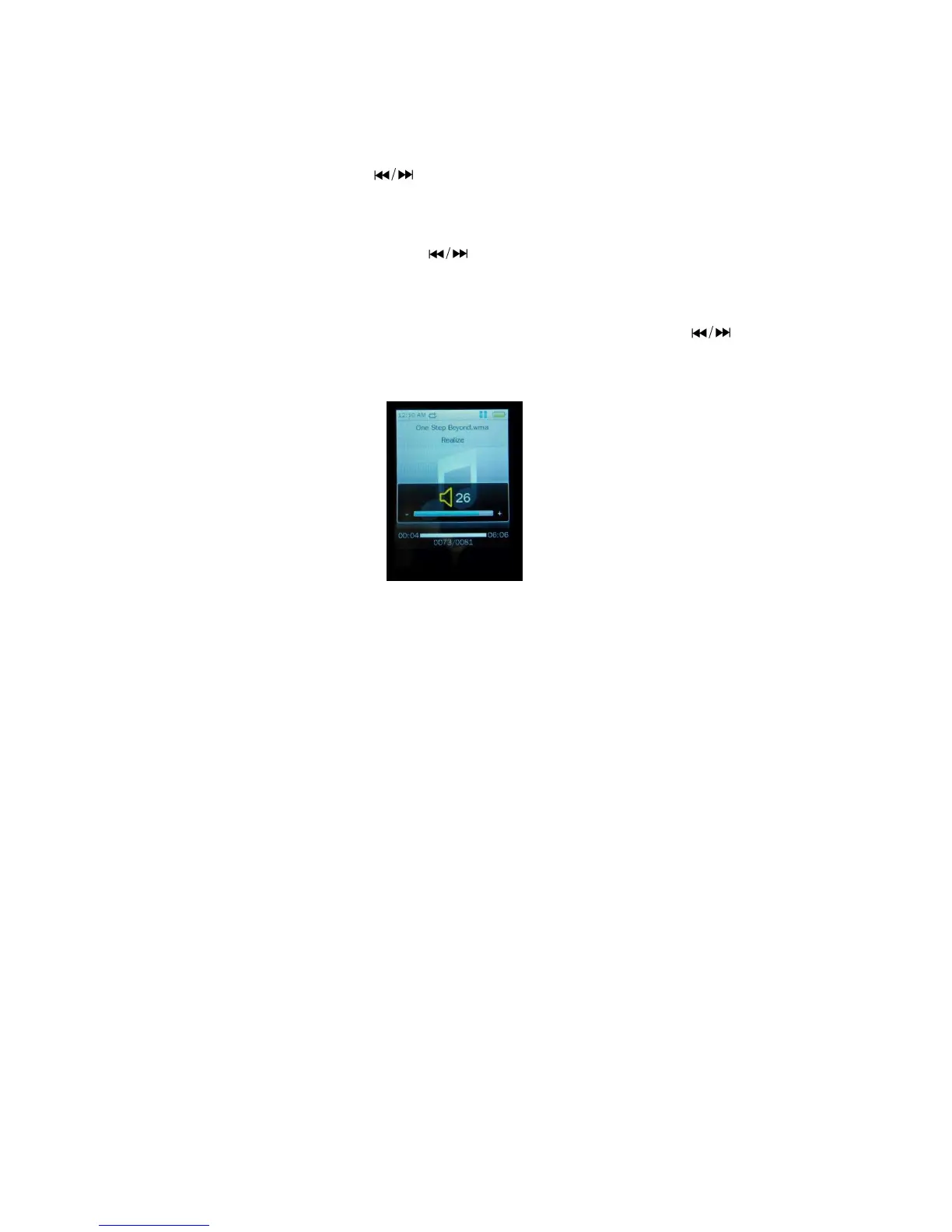
Adjust volume level:
From the now playing screen, press and hold Center button, volume controls appear, press
button to adjust
volume levels.
Return to previous menu or main menu:
Press MENU button or press and hold the MEUN button to main menu.
Play those songs in Artist / Album / Genre:
In music menu, choose Artist / Album / Genre, and then press Center button to play.
Play selected songs in My Music List:
Choose Music > My music list > My Playlist1 / My Playlist2 / My Playlist3 / My Playlist4 / My Playlist5, and then
press the Center button to play. ( you need to create the My Music List before you can use this option)
Dir list:
Choose music > Dir list > Internal Memory and then press the Center button to play.
Star level:
Choose Music > Star level > one star / two stars / three stars / four stars / 5stars, and then press the Center button to
play. ( you need to set star levels for songs before you can use this option)
Tag List:
From main menu, choose music > Choose Tag List, a list appear, and choose your desired song (bookmark) and
press Center button to play. ( you need to add bookmark for song before you can use this option)


 To Next Page
 Loading...