Use Music Sub Menu
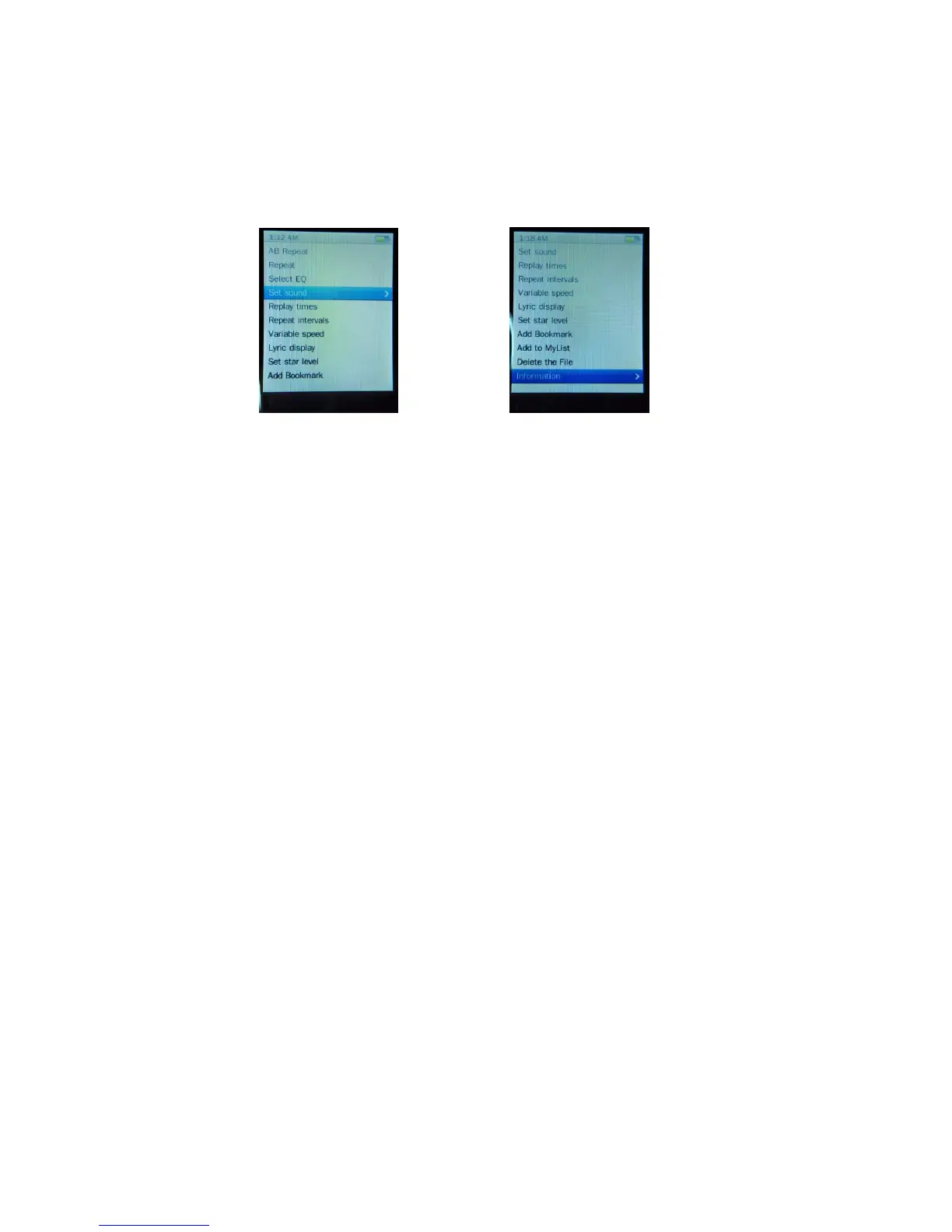
You might need to change music as you desired. To change settings in music sub menu, form now playing screen, press
Center button, and a sub menu will appear:
A-B Repeat
From the now playing screen, press Center button, a sub menu appear, choose A-B Repeat, and then use ►
▌▌
button to select A and B distance of track which you want it to repeat.
Repeat
Play songs in Sequence or in Random:
From the now playing screen, press Center button, a sub menu appear, choose Repeat and then select Sequence or
Shuffle as you desired.
Play songs in Repeat one or Repeat all:
In sub menu, choose Repeat and then select Repeat one or Repeat all as you desired.
Play songs in Repeat + Shuffle:
In sub menu, choose Repeat and then select Repeat + Shuffle
EQ
From the now playing screen, press Center button, a sub menu appear, choose Set EQ, and then select Normal /
Pock / Pop / Classic / Soft / Jazz / DBB as you desired sound effect.
Set Sound
From the now playing screen, press Center button, a sub menu appear, choose Set sound > FADEIN / FEADOUT >
Enable / Off as you desired sound effect.
Replay times
From the now playing screen, press Center button, a sub menu appear, choose Replay times and then select 1 – 10
or
∞
as you desired.


 To Next Page
 Loading...