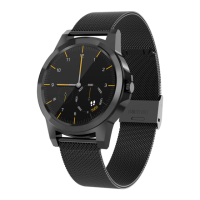
Need help?
Do you have a question about the Diggro DI02 and is the answer not in the manual?
Details the physical parts of the watch and provides essential charging and usage remarks for new users.
Instructions for downloading and installing the 'Fundo Wear' application for device synchronization.
Step-by-step guide to connect the smart watch to your phone via Bluetooth.
Explains the operating methods for synchronizing data with Android phones.
Provides guidance on data synchronization and common connection issues.
Guide to accessing and using shortcut menus like personalized dials and notifications.
Details essential functions such as phone book, dialer, call records, and notifications.
Instructions for using pedometer, heart rate monitor, and sleep monitor features.
Explains how to configure Bluetooth, sound, display, and other watch settings.
 General
| Resolution | 240 x 240 pixels |
|---|---|
| Water Resistance | IP67 |
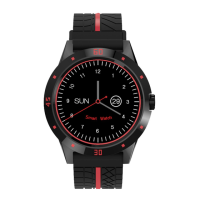
| Strap Material | Silicone |
| Compatibility | Android 4.4 and above, iOS 8.0 and above |
| Features | Remote camera |
| Charging Time | About 2 hours |
| Bluetooth | BT 4.0 |

 To Next Page