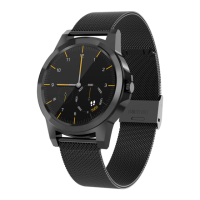
Showdateandmonth,thelunarcalendar,week,etc.
8,BTmusic
Remotecontrolmobilemusic.
9BTcamera
Tou ch the BT camera icon to control the camera of your
connected device with your smart watch.Therefore the smart
phone has to be unlocked.Further more for some device the
camera function has to be opened before the smart watch can
controlitfromdistance.
10,Bluetooth
IntheBTfunctionyoucansearchfordevicesnearlywithactivated
Bluetoothinordertoconnectthem.
11,Filemanager
In the file manager you can access the data which is stored on
yoursmartwatch.
12,Pedometer
The pedometer counts your steps after being activated with the
“Star”button.Intheapplication,youcanalsosetpersonaltargets
andviewhistorydata.
13,Sleepmonitor
Tou ch the sleep monitor icon when you want to measure and


 To Next Page