- 5 -
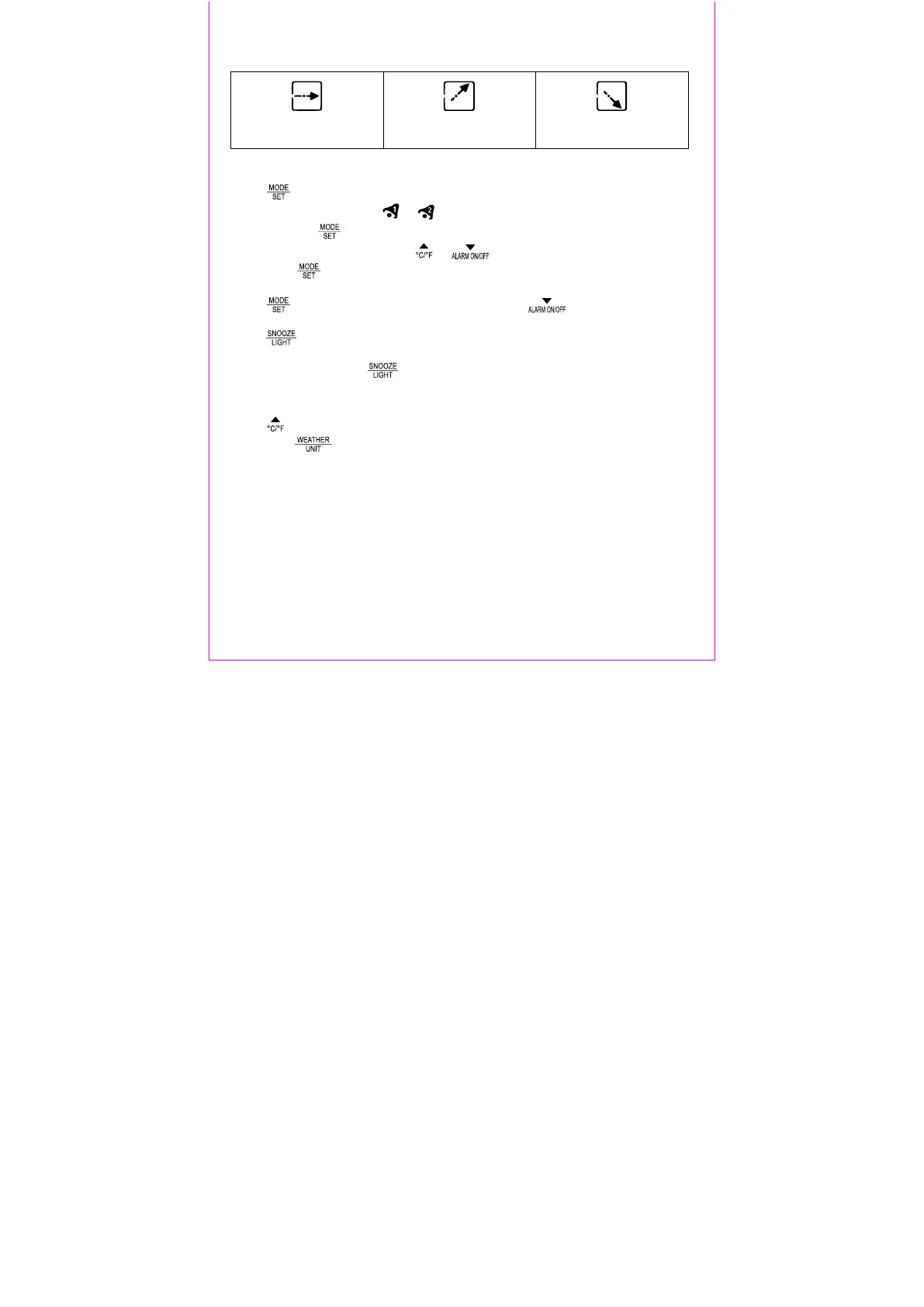
Barometer trend display
The arrows show the air pressure trend.
steady rising falling
Alarm
Press to go to the alarm time display for Alarm 1 or Alarm 2. AL will appear on
the display with the symbol or .
Press and hold to enter setting mode.
The hour display will blink. Press or to set the hours and confirm your
setting with .
Set the minutes in the same way.
Press to return to the normal time display. Press repeatedly to activate
or deactivate alarms 1 and 2.
Press when the alarm sounds to activate the snooze feature. The alarm will
sound again after 5 minutes. This process can be repeated 7 times.
Press any button except to stop the alarm.
Temperature and air pressure units
Press while in the normal time display mode to select Celsius (°C) or Fahrenheit
(°F). Press while in normal time display mode to select the air pressure unit
Hectopascal/Millibar (hPa mb) or inches of mercury (inHg).
Reset
Use a pointed object to reset the weather station to factory defaults.



 To Next Page