DIGIALITY T-2000 FTA / T-2001 CX
DIGIALITY T-2000 FTA / T-2001 CX
Switch to radio programmes
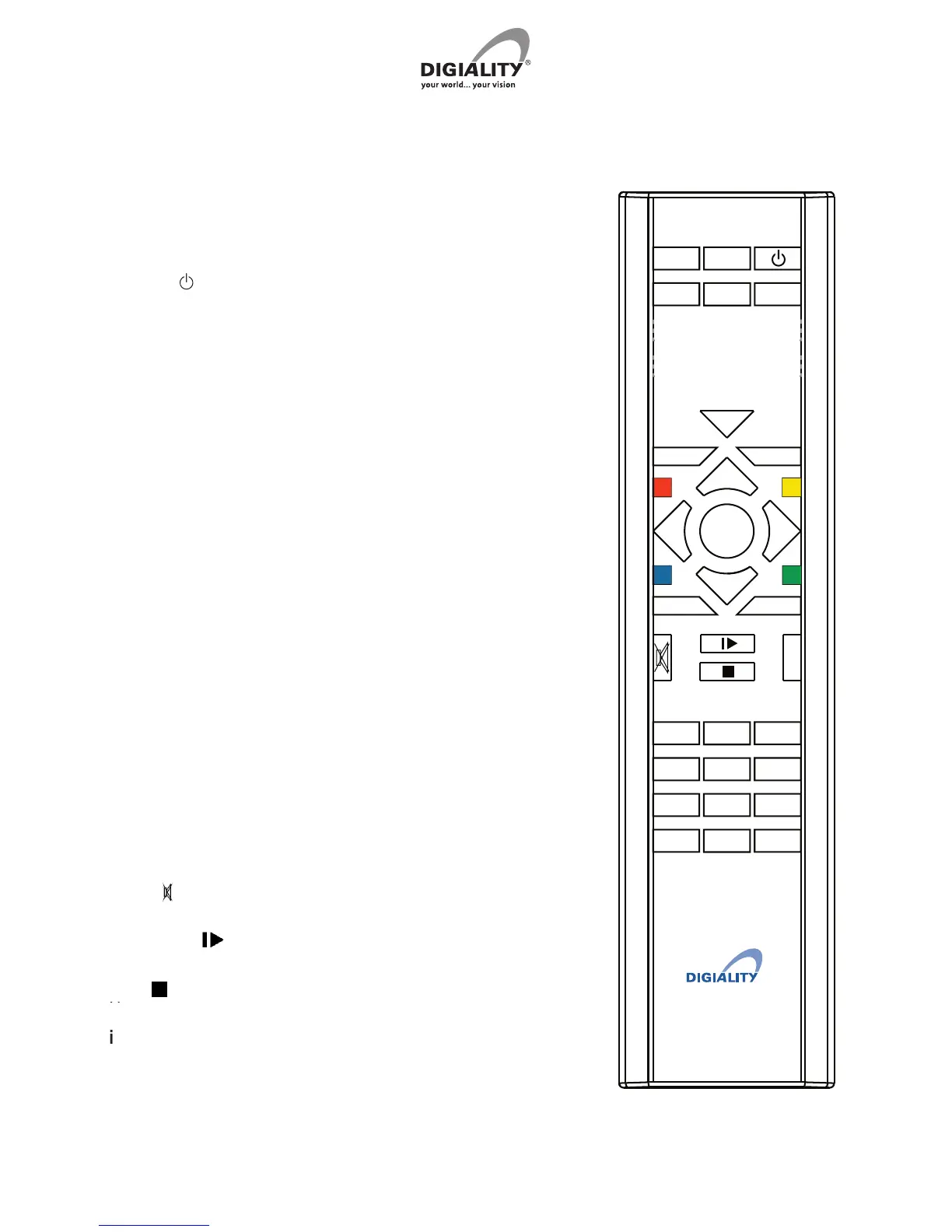
Turns the receiver on/off
Shows the Electronic Programme Guide
Changes between TV/Video/SAT mode
Back to the last shown channel or menu
Exit the menu without saving
Shows the programme list or con rms a choice in the menu
Changes (up/down) between the different options in the
display and changes programmes (up/down)
Double arrow (respectively left and right)
Skips whole pages in the menu or move forward/backwards
Shortcut keys (RED, YELLOW, GREEN and BLUE)
The coloured keys can be programmed for the functions that
V
Ç


 To Next Page