Current
• Audio: if audio language is supported change the
audio language by pressing “ ” or “ ” buttons
• Subtitle: if subtitle is backed up, alter the subtitle
language with “
” or “ ” buttons. The chosen
language will be seen in subtitles.
Note: If the Country option is set to Denmark, Sweden,
Norway or Finland, the Language Settings menu will function
as described below:
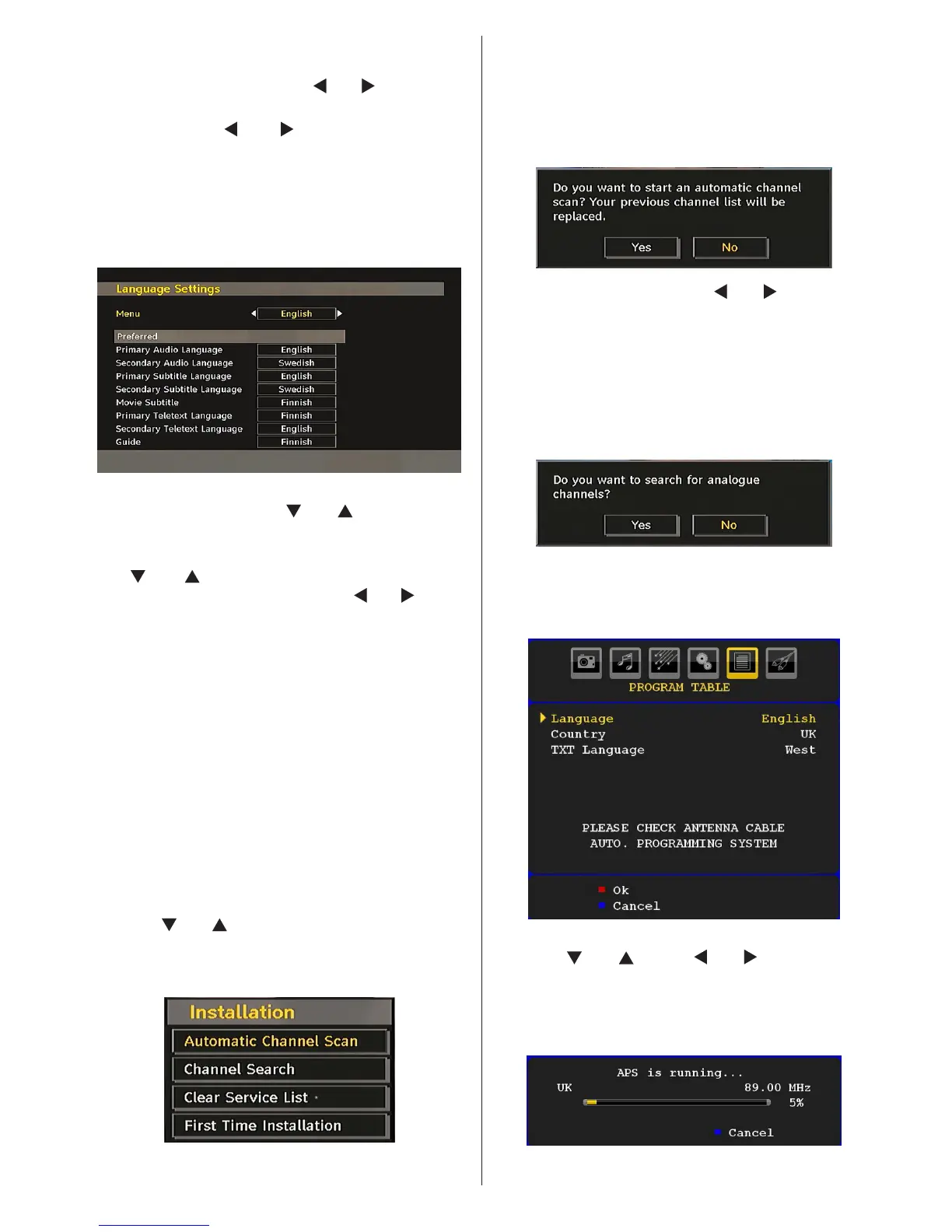
Language Settings
In the conguration menu, highlight the Language
Settings item by pressing “ ” or “ ” buttons. Press
“OK” and Language Settings submenu will be
displayed on the screen:
Use “
” or “ ” buttons to highlight the menu item
that will be adjusted and then press “ ” or “ ” button
to set.
Notes:
• System Language determines the on-screen menu
language.
• Audio Language is used for selecting the soundtrack
of a channels.
• Primary settings are the rst priority when multiple
choices are available on a broadcast. Secondary
settings are the alternatives when the rst options
are not available.
Installation
The Installation menu is mainly intended to help you
for creating a Channel Table in the most efcient way.
Select Installation from the Conguration menu by
pressing “ ” or “ ” buttons.
This menu includes the following items:
(*) For Denmark, Sweden, Norway or Finland.
Automatic Channel Scan
Automatic channel scan is started by pressing
“OK” button while Automatic channel scan item is
highlighted.
The following message appears on the screen:
Highlight Yes or No by using “ ” or “ ” buttons and
press “OK” button to conrm.
If Yes is selected, automatic search starts.
Selecting No cancels automatic search.
After search is completed for digital channels, a
message asking whether to search for analogue
channels appears on the screen:
Press the “OK” button to search for analogue
channels. The following menu appears on the screen
for analogue channel search:
Select your Country, Language and Text language
by using “ ” or “ ” and “ ” or “ ” buttons. Press
“OK” or RED button to continue. To cancel, press
BLUE button. The following menu will be displayed
during the automatic tuning:



 To Next Page