17.0 TFT Active Matrix LCD Panel User Manual
English 12
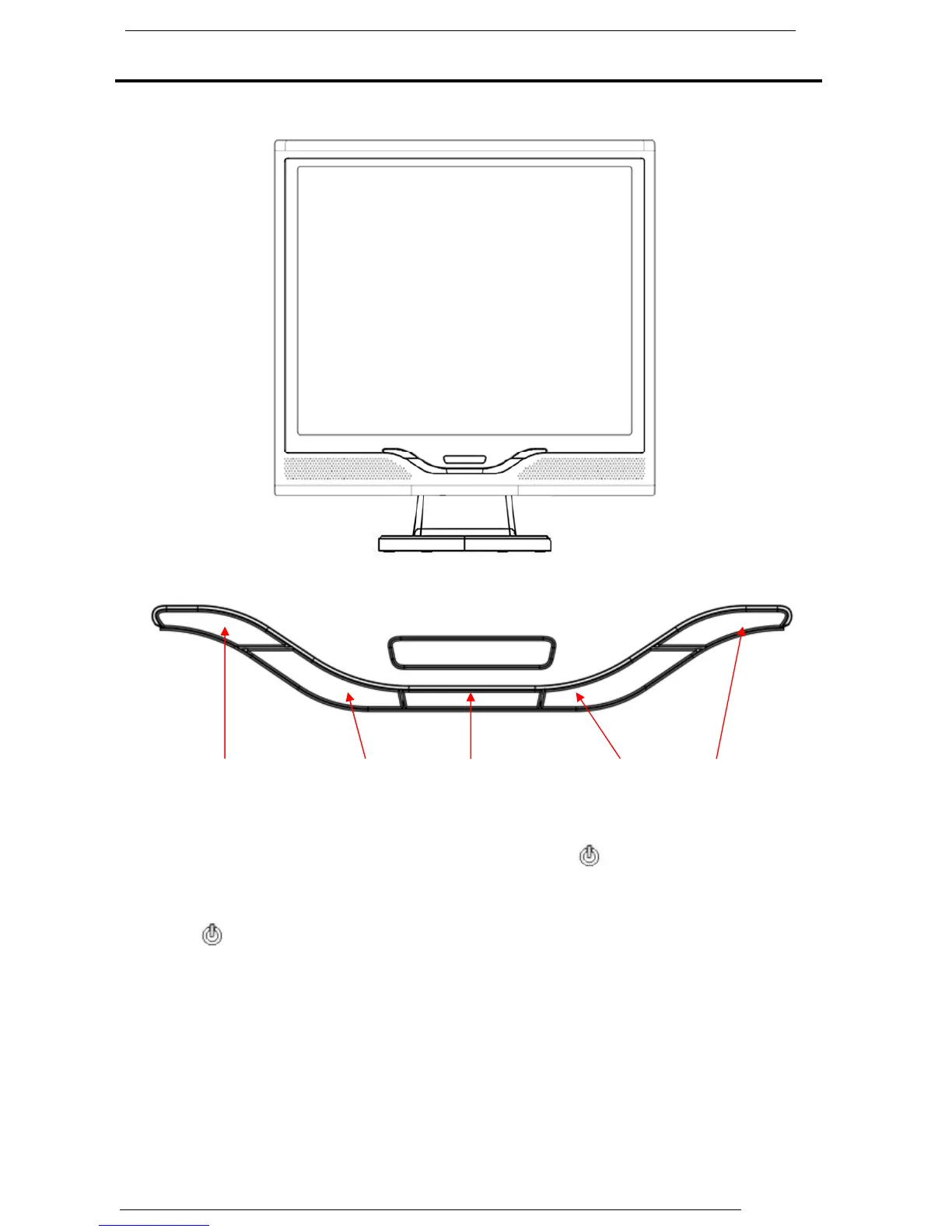
Monitor Setup Button
Menu control button
There 5 keys for user to set up the monitor, including “ Power”, “MENU “,
“AUTO”, ” <▼> Down”, ” <▲> Up”. Please refer to the introduction below.
1. “ Power”: Turn the LCD power on and off. When the power is on, the light
turns green, and standby in the color of orange.
2. “AUTO”: Exit and save the setting. Hot key for auto adjustment.
3. “MENU”: Press the button to display OSD main menu and select OSD
Option.
4. “<▲> Up”: Increase the value in the OSD option.
5. “<▼> Down”: Decrease the value in the OSD option . Hot key for volume
adjustment.
Power Up Auto Adjust
OSD Menu Down



 To Next Page