Digiprog Ltd. www.digiprog.com
© 2007 by DigiProg Ltd INTRODUCTION Page 4
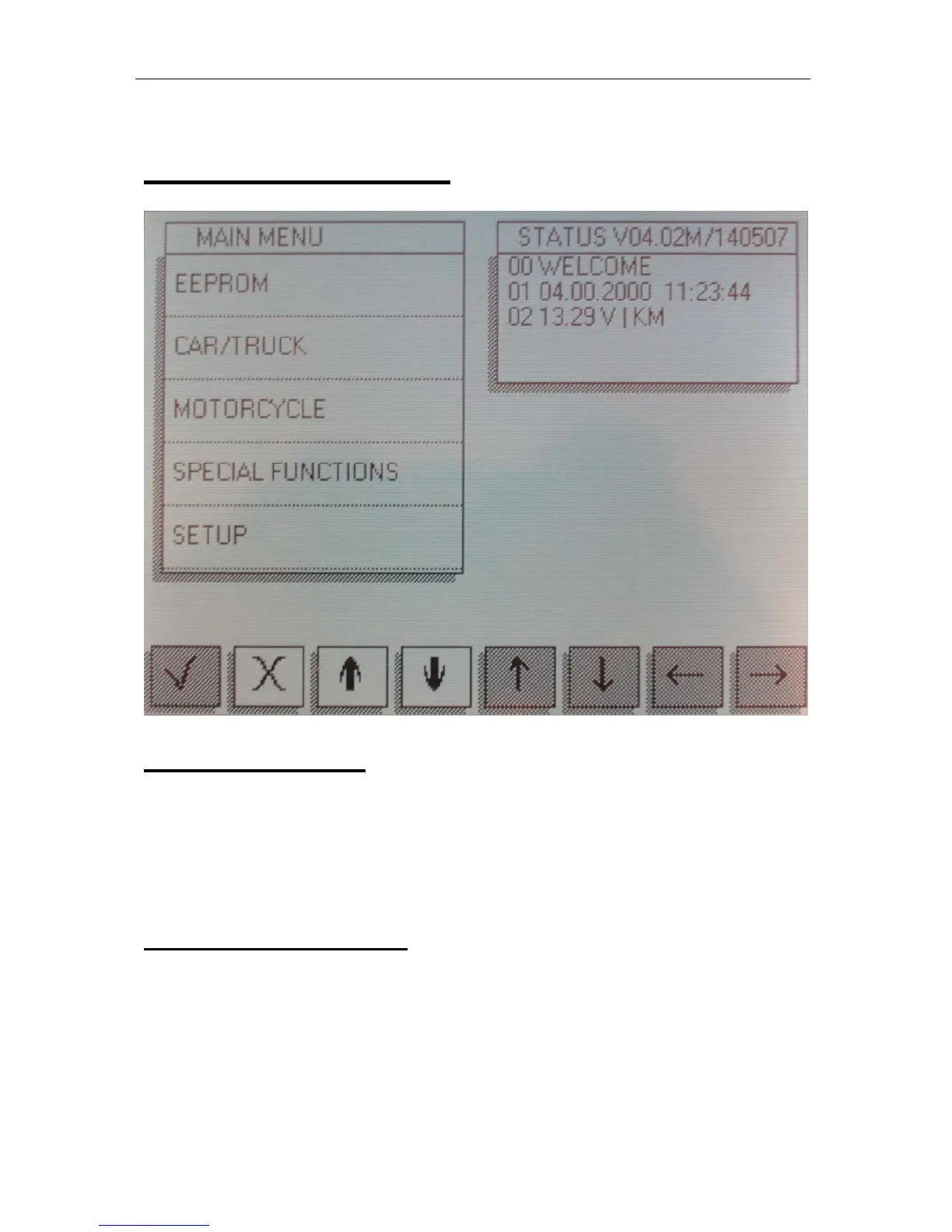
Main menu screen
1. EEPROM menu
The first option on the main menu is the Eeprom menu. Reading,
writing and saving Eeprom information is all done using this menu.
A more detailed guide to using this menu follows later on in the
introduction.
2. CAR/TRUCK menu
This is the menu you will use for correcting and reprogramming
vehicles. Manufacturers are set out in alphabetical order and
models of vehicles are set out in a simple sub-menu format.


 To Next Page