Digiprog Ltd. www.digiprog.com
© 2007 by DigiProg Ltd INTRODUCTION Page 7
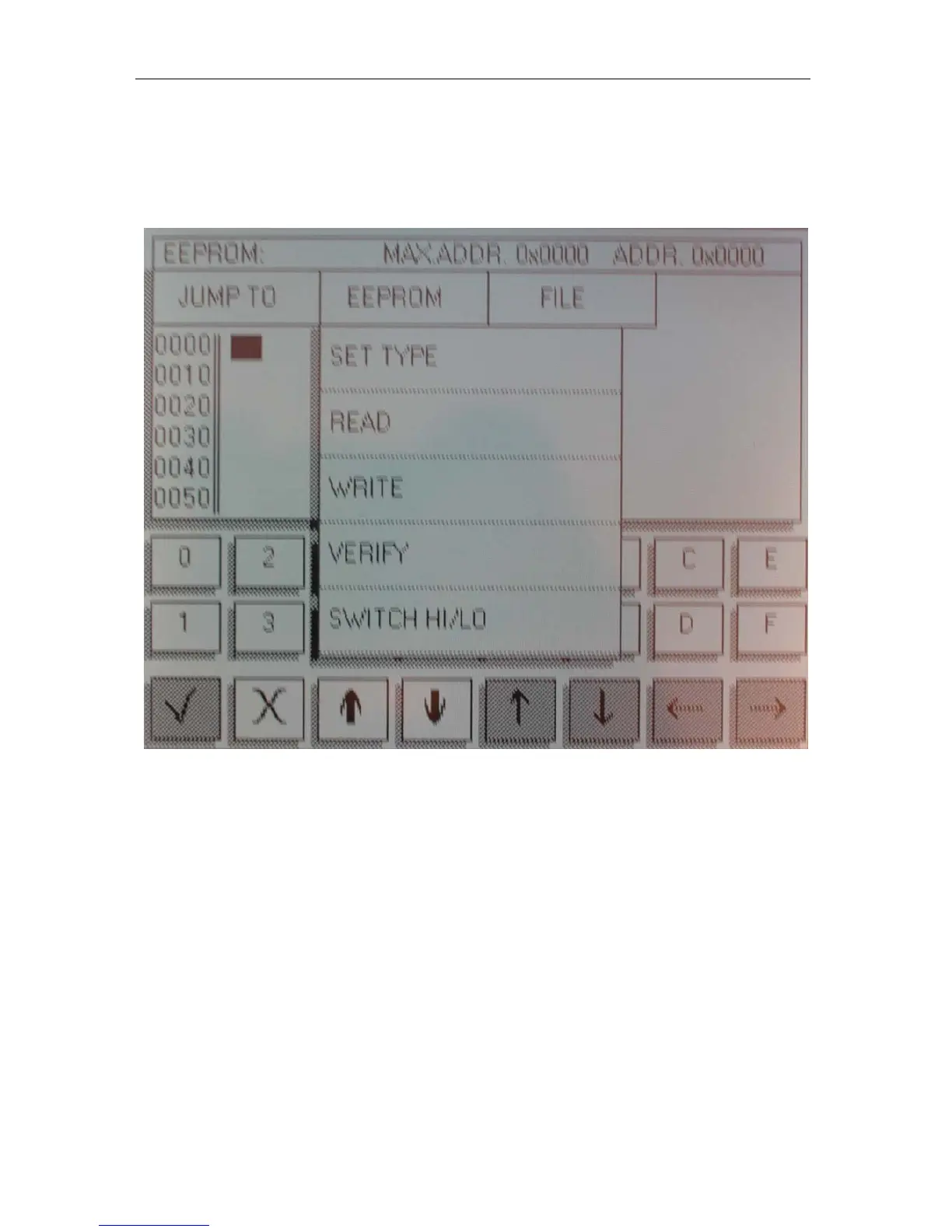
You must then tell your DigiProg which chip you are working on
before you read it. To do this you must press the EEPROM button at
the top of the screen. A sub-menu will now appear.
Select the SET TYPE button and choose 93C46. Your DigiProg
is now set up to read a 93C46 chip. Press EEPROM again, this time
selecting the READ button. Once the machine has finished reading
the chip, the information will be displayed on the DigiProg screen,
now press VERIFY this will ensure that the information on your
screen agrees with the Eeprom
.


 To Next Page