EasyManua.ls Logo

Digisol DG-BG4300N - User Manual

Digisol DG-BG4300N
103 pages
Print Icon
To Next Page IconTo Next Page
Loading...
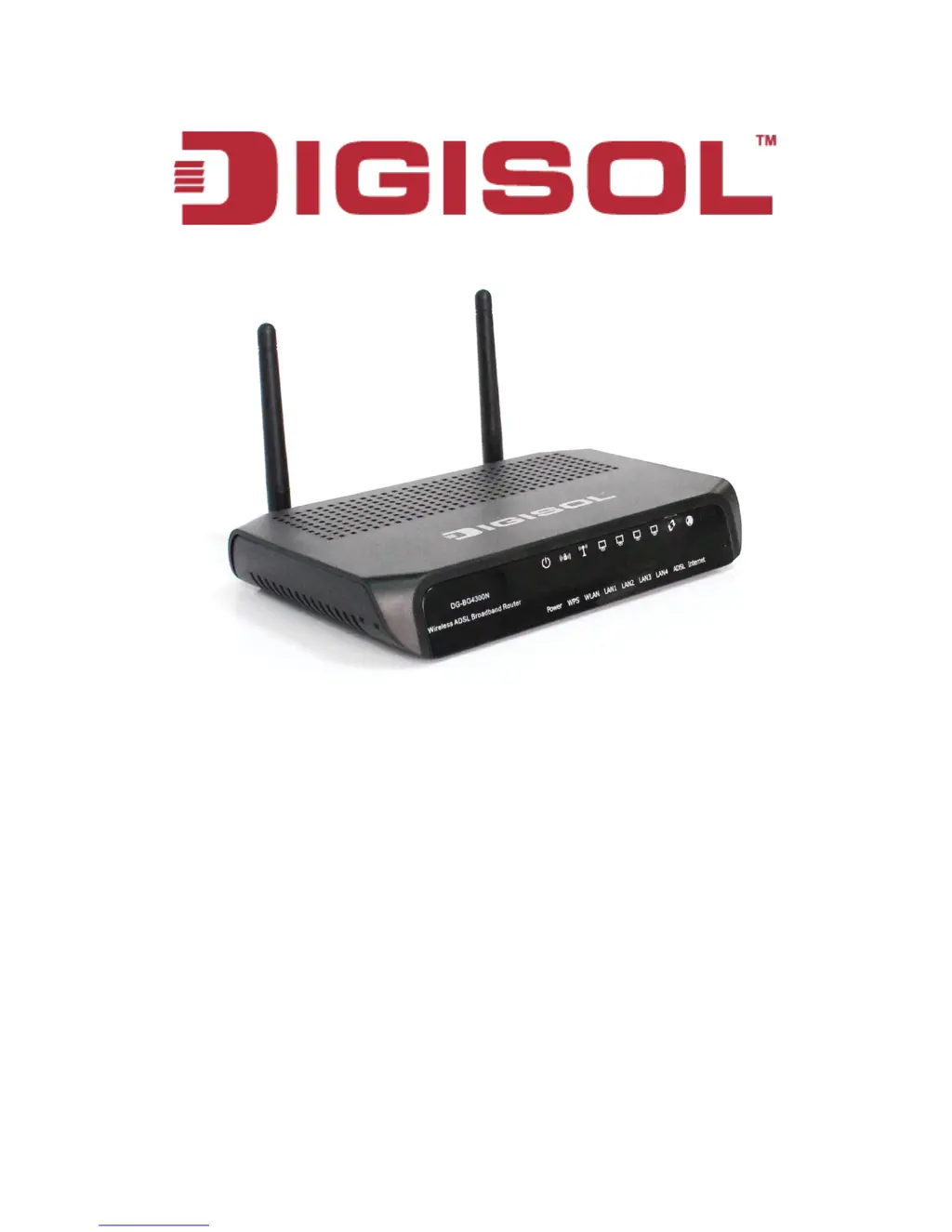
DG-BG4300N
300Mbps Wireless ADSL2/2+
Broadband Router
User Manual
V1.0
2011-12-01
As our product undergoes continuous development the specifications are subject to change without prior notice

Table of Contents

Questions and Answers

  • R
    Robert NealJul 30, 2025
    Why can't I get connected to the internet using my Digisol DG-BG4300N?
    • A
      Angelica VasquezJul 30, 2025
      If your Digisol Wireless Router can't connect to the internet, first, check the Internet connection status in the ‘Status’ -> ‘Internet Connection’ menu. Be patient, as sometimes the internet may be slow. Try bypassing the router to see if you can connect directly. Double-check your PPPoE user ID and password. Contact your Internet service provider to check for service issues. If you can't access specific websites but other internet services work, review your URL/Keyword filter. Resetting the router may also help. Verify the line with the device provided by your Internet service provider. Finally, try using an IP address instead of a hostname to check your DNS settings.
  • M
    Mrs. Suzanne BarryAug 3, 2025
    How to fix unable to access Digisol DG-BG4300N through web page?
    • S
      Stephanie McfarlandAug 3, 2025
      If you're unable to access your Digisol Wireless Router's web page, ensure the power cord and network cable are correctly and firmly inserted. If all the router's LEDs are off, check the A/C power adapter. Verify you're using the same IP address subnet as the router. If using MAC or IP address filtering, try connecting with another computer or restore the router to factory default settings by pressing the reset button for over 10 seconds. Ensure your computer is set to obtain an IP address automatically (DHCP). Clear your Internet browser history and cache memory. If the issue arose after a firmware upgrade, contact your dealer.
  • M
    Meredith RodriguezAug 7, 2025
    What to do if I can’t log onto Digisol DG-BG4300N web management interface because password is wrong?
    • N
      Nathaniel AndersonAug 7, 2025
      If you can’t log onto the web management interface of your Digisol Wireless Router because the password seems wrong, first, ensure you’re connecting to the correct IP address of the router (default is 192.168.1.1). Passwords are case-sensitive, so check that ‘Caps Lock’ is off. If you have forgotten the password, perform a hard reset.
  • M
    Mariah RodriguezAug 11, 2025
    Why is file download very slow or breaks frequently on my Digisol DG-BG4300N Wireless Router?
    • V
      Valerie JacksonAug 11, 2025
      If file downloads are slow or frequently interrupted on your Digisol Wireless Router, check if the QoS function is enabled and try disabling it. Be patient, as internet speeds can vary. Resetting the router may improve download speeds. Check if other devices on your network are heavily using the internet. If the issue is new, contact your Internet service provider.
  • D
    Danny ElliottAug 15, 2025
    What to do if I can’t locate my Digisol Wireless Router by my wireless client?
    • D
      Dawn JordanAug 15, 2025
      If you can’t locate your Digisol Wireless Router with your wireless client, check if ‘Broadcast ESSID’ is turned off. Ensure both antennas are securely attached. Try moving closer to the router. If ESSID broadcast is disabled, you'll need to manually input the ESSID on your wireless client.
  • D
    Douglas MooreAug 20, 2025
    Why Digisol Wireless Router gets heated up?
    • S
      Samuel HallAug 20, 2025
      It's normal for your Digisol Wireless Router to heat up, as long as you can touch the case. If you smell something burning or see smoke, disconnect the router and A/C power adapter from the power source, ensuring your safety, and contact your dealer.
  • A
    Amanda VillarrealAug 25, 2025
    How to correct the date and time of event logs on Digisol Wireless Router?
    • A
      Amanda WiseAug 26, 2025
      If the date and time of all event logs are wrong on your Digisol Wireless Router, adjust the time zone in the ‘System > Time Zone’ settings of the router.

Summary

Product Information

Safety Information

System and Network Setup

Hardware Installation Steps

Guides users through the physical connection and installation of the router.

Software Installation

Installing Router Software

Provides instructions for installing the router's software from the CD.

Web Browser Configuration

Accessing the Web Console

Explains how to access the router's configuration interface via a web browser.

Setup Procedures

WAN Configuration Options

Configures the Wide Area Network (WAN) connection for internet access.

LAN Configuration Options

Configures the Local Area Network (LAN) settings for client devices.

Wireless Configuration Options

Manages wireless network settings like SSID, security, and channels.

Advanced Setup and Configuration

Firewall and Security Features

Maintenance and Management

Firmware Upgrade and Backup;Restore

Manages firmware updates and system configuration backup/restore.

User Account and Password Management

Manages user and administrator login passwords for system access.

Diagnostic Tools and Tests

Provides diagnostic tools like Ping, Traceroute, and ADSL tests for troubleshooting.

Troubleshooting Common Issues

Digisol DG-BG4300N Specifications

General IconGeneral
BrandDigisol
ModelDG-BG4300N
CategoryWireless Router
LanguageEnglish

Related product manuals