. crossover parameter setting key. Firstly pressing the key to enter into HIGH-PASS Filter type9 SETUP--
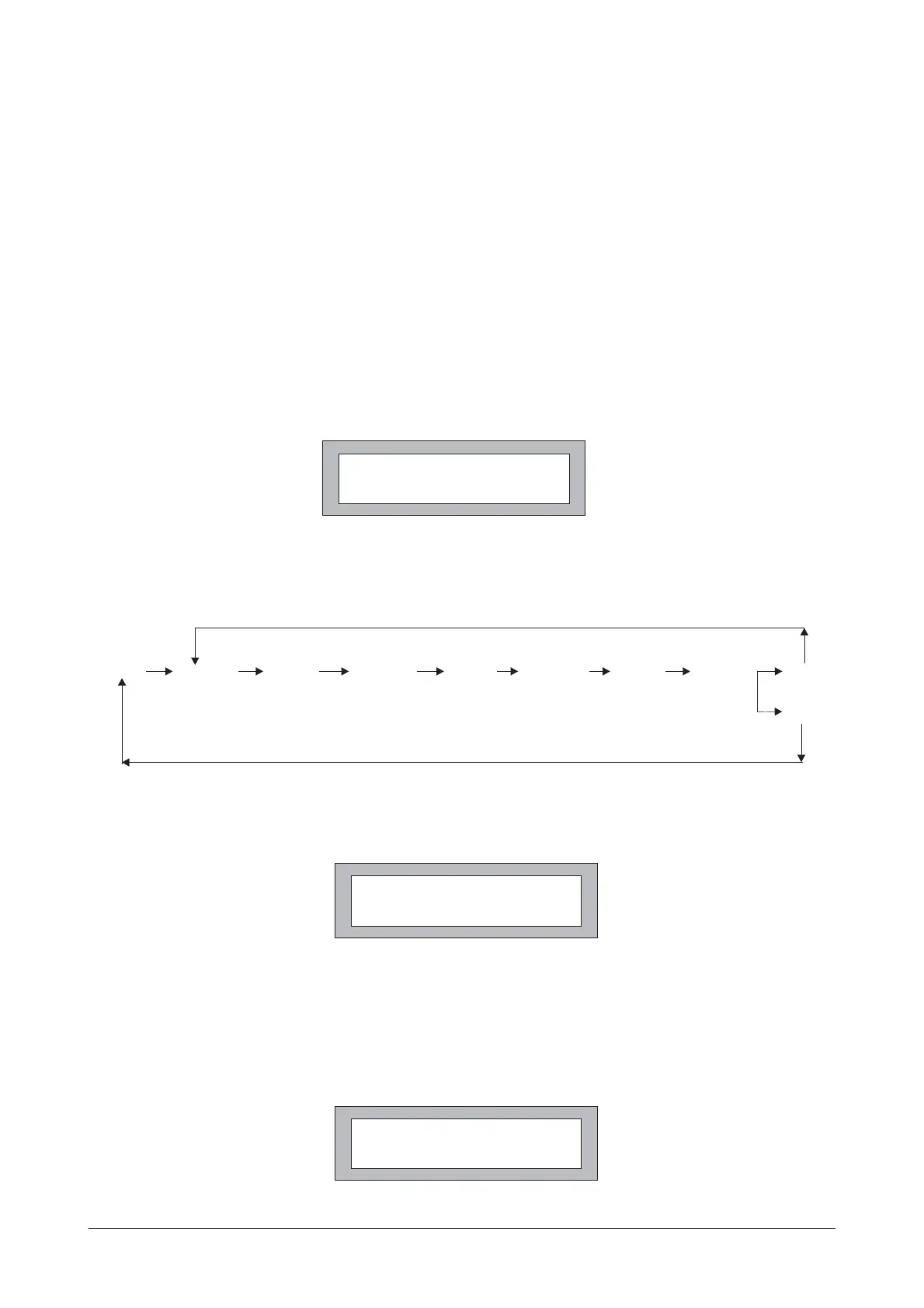
setting (show as Fig.4a)
Fig.3
Fig.4a
Pressing the Encoder again, to enter into the Filter parameter "F" (Frequency) selection. Users are able
to select 24 ISO frequencies (rang:100Hz~20kHz) by rotating the Encoder clockwise or anti-clockwise.
if pressing the Encoder again, to enter into the Filter parameter "G" (Gain) adjusting. Users are able
to adjust "G" value from -12dB ~ + 12B (step is 1dB)by rotating the Encoder clockwise or anti-clockwise
if pressing the Encoder again, it will return to "FLT" status, by rotating the Encoder alsoto adjust another Filter
It is able to recycle such operation. If
PEQ status.(show as Fig.2)
press the PEQ key again, then the three Filters into FLAT status
(show as Fig.3).If press the PEQ key again, then return to
In short words, the step of Filter PEQ adjusting is following:
Press 8 Rotate 5 Press 5 Rotate 5 Press 5 Rotate 5 Press 5 Rotate 5 Press 5
Press 8
FLT FLT
QQ
FF
GG
Users are able to select 3 kinds of Filter curve types ("-12dB", "-18dB", "-24dB") by rotating Encoder
clockwise or anti-clockwise. At this time, if pressing Encoder, it is able to select the cut frequency
(Rang:20Hz (show as Fig.4b).~20kHz)
Fig.4b
FLAT
CH:1 FLAT Q:3.0
F : 500Hz :+5dB
CH:1 HIGH-PASS
RESP/Q : -24dB
CH:1 HIGH-PASS
FREQ: 20Hz
3


 To Next Page