Quick Start Guide for Your DASDEC II Page 24 of 40
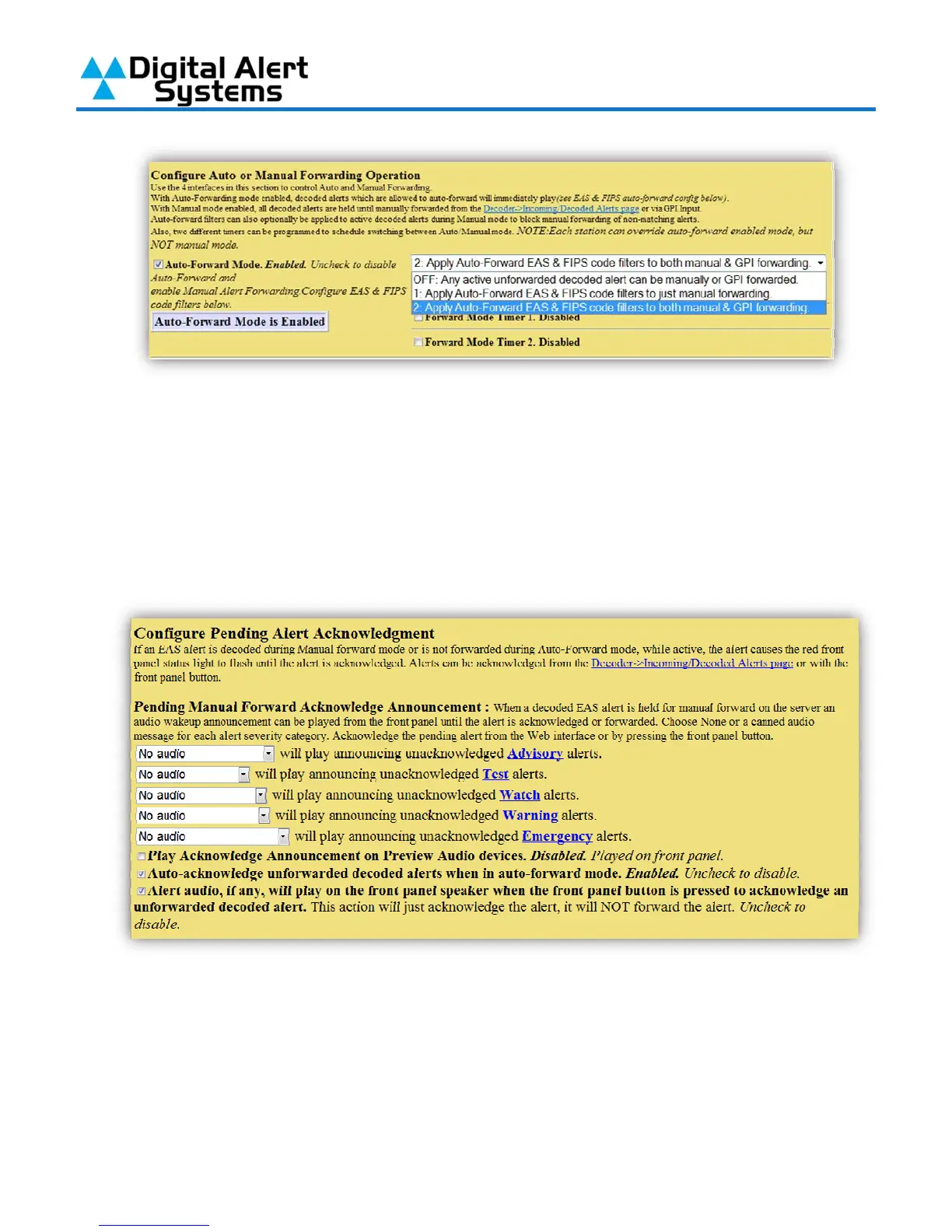
7) With “Auto-Forward Mode” your station can be operated in auto or manual mode. The
selection made from the drop-down list will control alert filtering when a station interface is in
“Manual Mode”. If “Off” is selected any alert received will be made available to be manually
forwarded. In Mode 1 or 2 only alerts that meet your filtering requirements will be made
available for Manual Forwarding.
8) The DASDEC-II can play an audio message from the front panel speaker whenever specific
types of decoded alerts have been received and are being held by manual forwarding. Use
the drop-down for each type of alert to enable its audio announcement.



 To Next Page