3. Select the station number that you want to save it by using the stick button, press the
stick button.
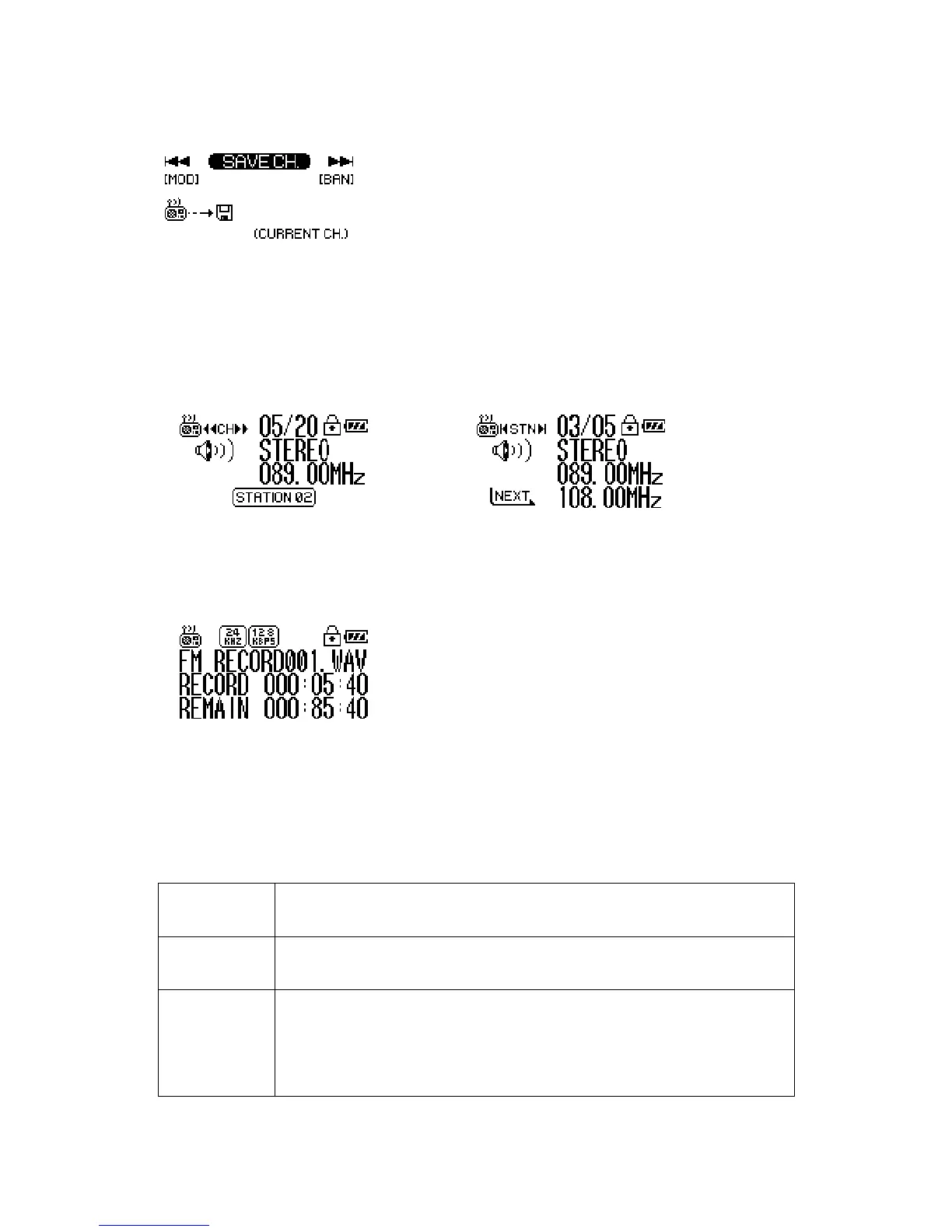
Tip Channel Mode & Station Mode
Channel Mode: Search the Channel by using the stick button.
Station Mode: Move between the Stations saved.
※ Move between channel and station mode by pressing the FUNC button.
FM Recording: Record contents that radio reception.
1. Press the REC button for long.
2. If you want to pause, press the REC button.
3. If you want to keep record, press it again.
4. Press the stick button for long to stop record
Save the FM radio record file in the RECORD folder.
Menu Structure for Playback Mode
Mode Select the main mode.
1. Playback 2. Recording 3. FM Tuner
Save Channel You can save the Channel (Frequency) while receiving it.
STN1 ~ STN20
FM Band Select the FM Frequency range.
1. US/EU/KR/CN (87.5 ~ 108MHz)
2. Japan (76 ~ 92MHz)
3. World Wide (76 ~ 108MHz)


 To Next Page
 Loading...