Listening to the FM Radio
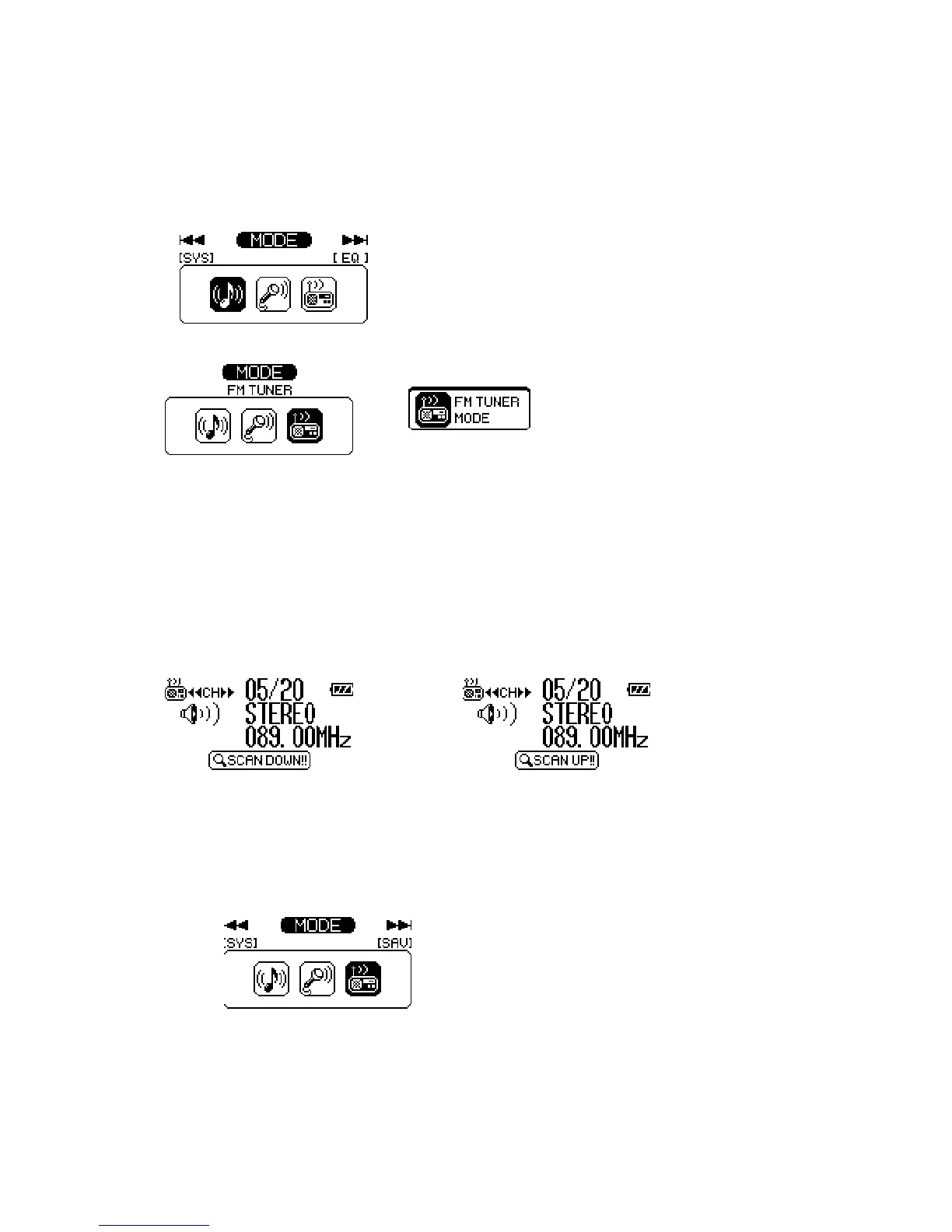
Move to FM Radio Mode
1. Move to Menu by pressing the stick button. And press the stick button again.
2. Select the FM Turner Mode, and press the stick button.
Tip
When you press the FUNC button for long in playback mode, move to FM Radio Mode
Channel Control
1. Push the stick button to ◄◄ or ►► direction.
2. If you push and hold the stick button to ◄◄ or ►► direction, player performs the auto
scan function.
Save Channel
1. Select the channel that you want to save it by using the stick button to ◄◄ or ►►
direction.
2. Move to menu by pressing the stick button function button.
3. Select the Save Channel, press the stick button.



 To Next Page