The ico show following the “Icon” button. we can choose the
correct ico, then touch the “save” button, App return to the device
automatically. But the button is grey, if you want to use it, need learn
the IR signal firstly.
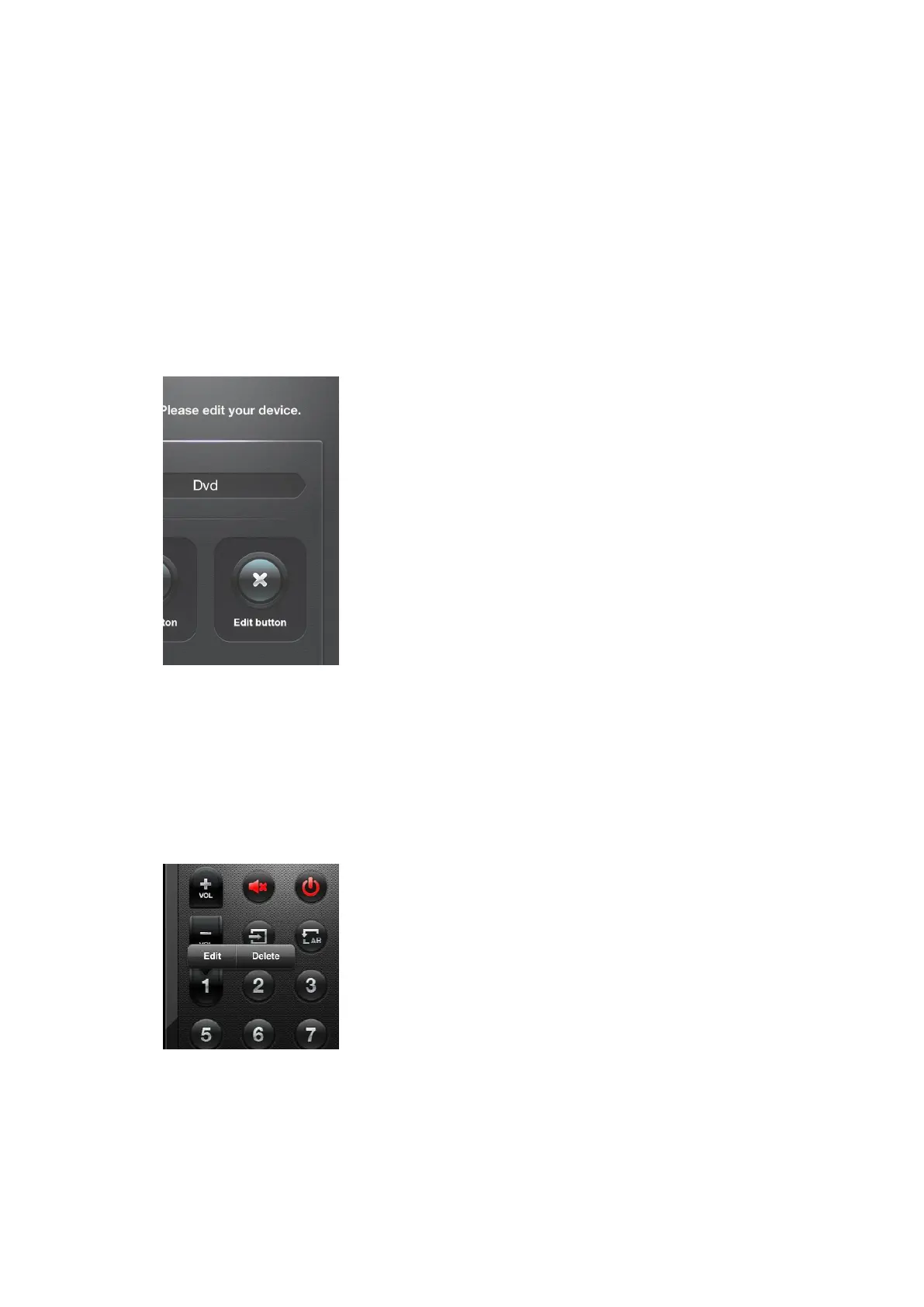
【3.3.5】Use the Edit function, then touch the right Edit button,
show as follow:
use this function, we can Edit or Delete buttons.
【3.3.6】in Edit function, touch any button, we can see
Edit and Delete button, if we touch Edit, we can edit the
button; if we touch Delete , we can delete this button.
【3.3.7】Touch the Edit button,we can edit this button, we can
choose the button type, change the size and color. Refer to【3.3.3】


 To Next Page
 Loading...