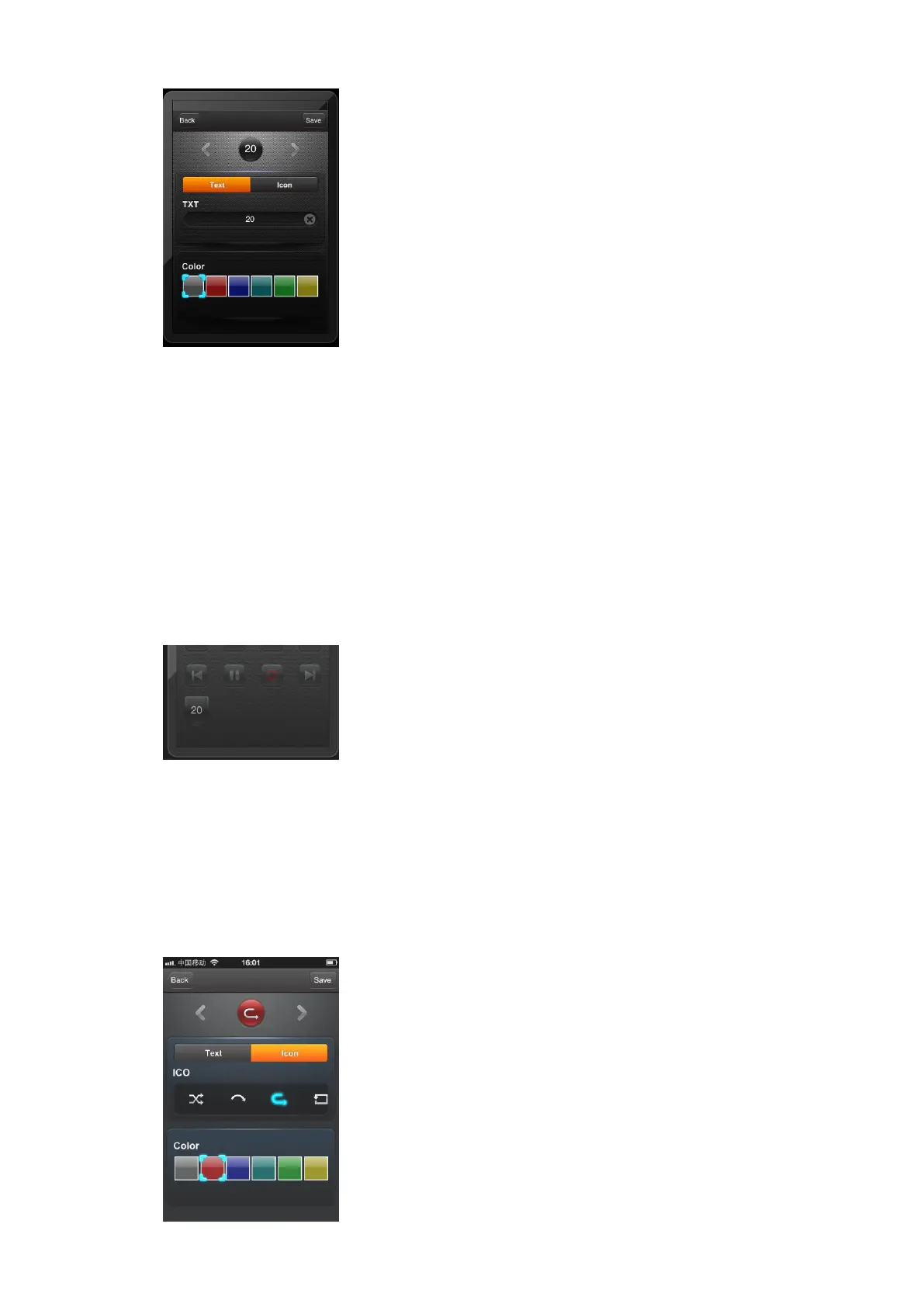
We can use the left and right arrow to choose different buttons,
we can also use the icon button to choose different button names, if
users want to use different names which can’t be found in icon, then
we can touch Text button and input the button name. Users can
change the color for button as they like. When everything is ok,
touch “save” button, a new button added into the device.
Please use the preset icon for the first choice, refer to【3.3.4】
【3.3.4】The App already design some ico for the buttons,
when we use the “Edit” function, then touch the “Icon”
button, the color of “Icon” button changes to yellow.


 To Next Page
 Loading...