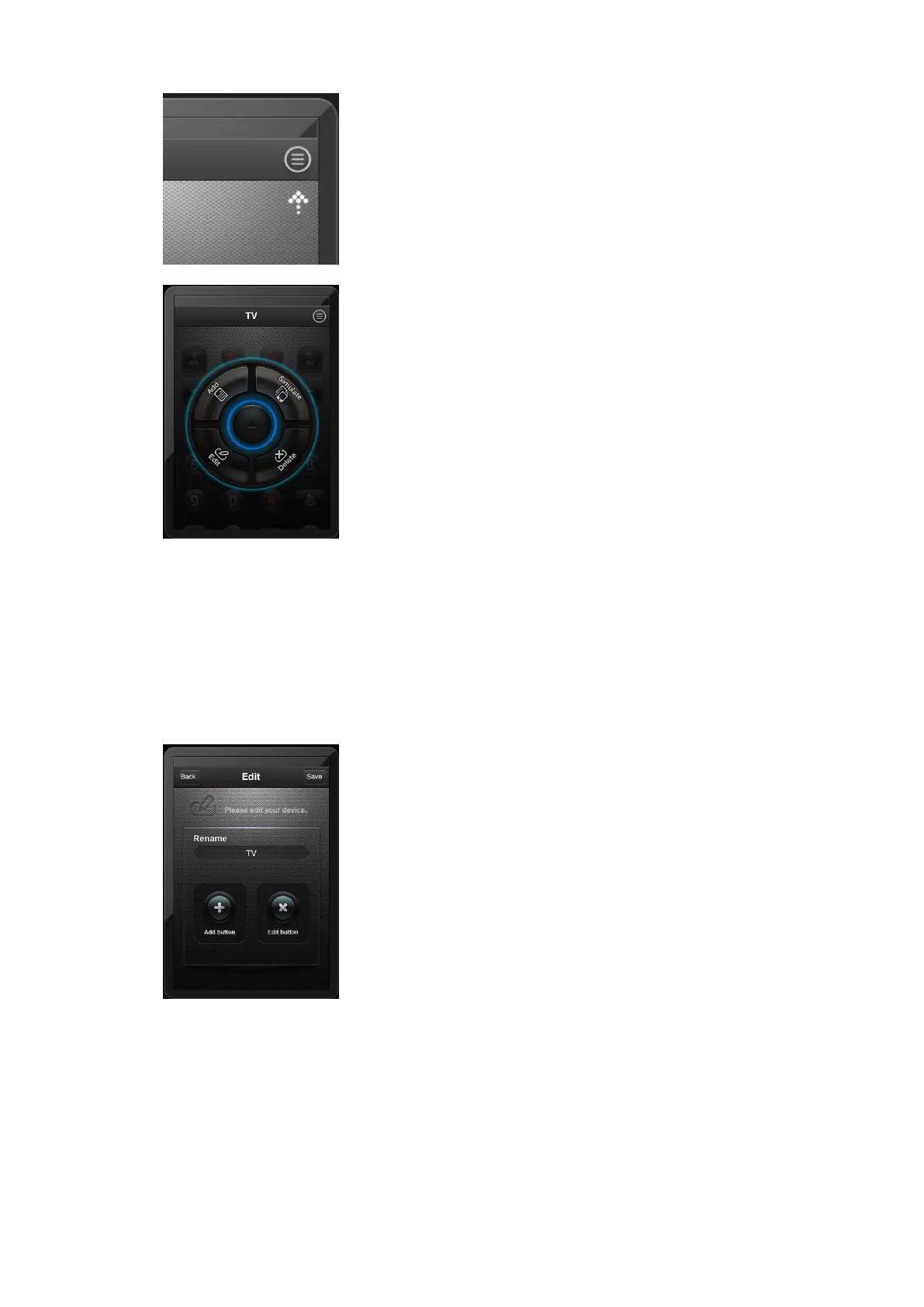
Touch here.
The four buttons are all bright now, because there are already
devices in the program. We can use all of these functions.
【3.3.2】Touch the “Edit” button, then show as follow,
we can use these functions to add buttons and edit buttons.
【 3.3.3】 The center indicates device name, and “add
button” in the left, we can use this function to add more
buttons into the device. Touch “add button”, show as follow:



 To Next Page