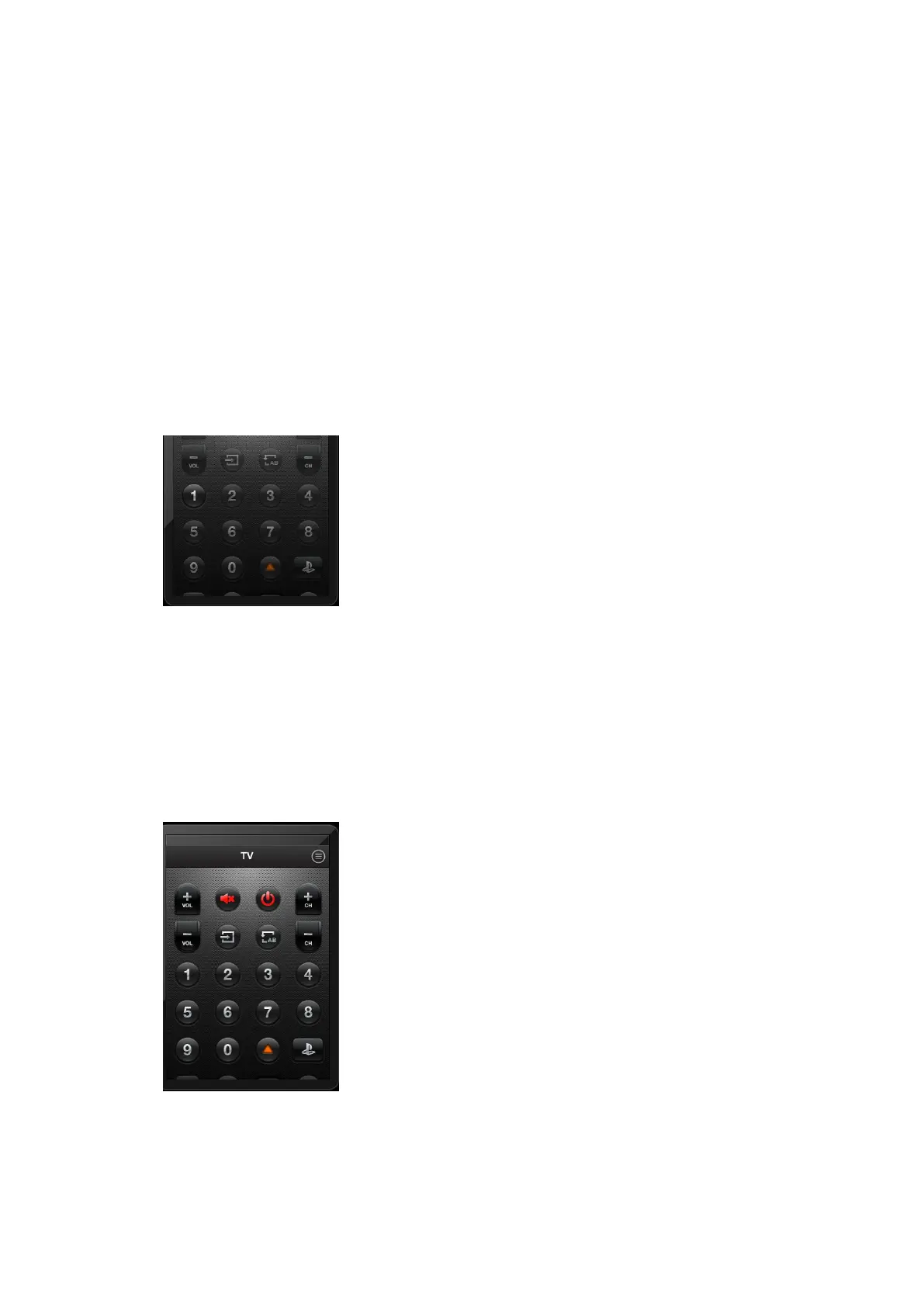
c. Click the source button, and let the IR led
near the receiver window and hold about 1s.
d. If the indication window closed, then learn
successfully.
If some buttons fail to learn, we can touch cancel, and
relearn.
If learn successfully, the button will change to bright.
【3.4.4】We can learn more buttons as the same method, or
relearn any button, if every button is ok, we can touch save
button to save the changes. Now we can use Digitec Smart
to control device instead of the original remote control.
【3.5】Delete Device.
【3.5.1】When we open the Menu function,



 To Next Page