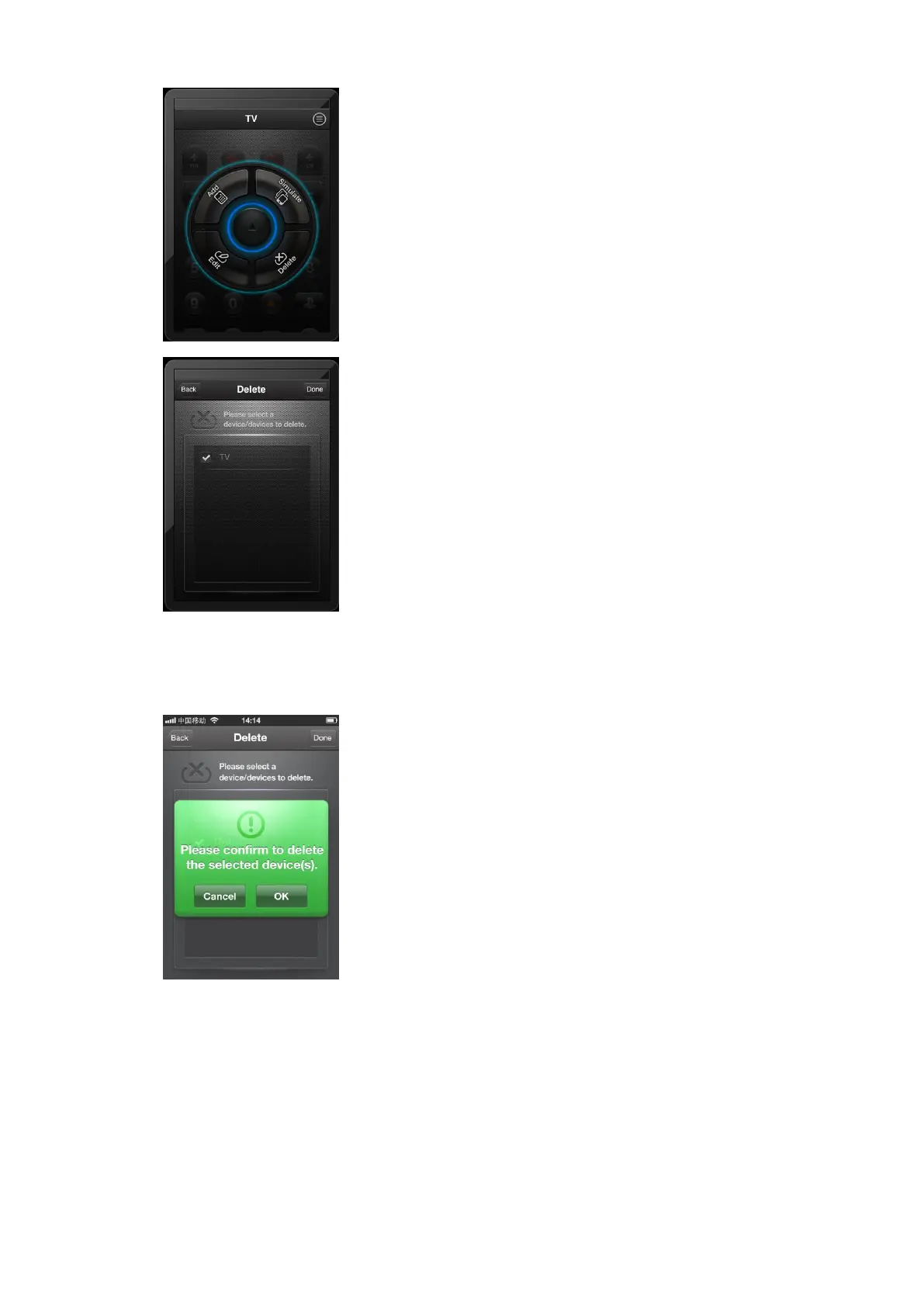
Touch the Delete button,as follow:
【3.5.2】Choose the device which we want to delete, then
touch Done button.
【3.5.3】Touch ok to confirm, and touch cancel to return.
【3.5.4】We can add many devices in one iphone, and use
one iphone to control different devices. If we want to delete
some device.



 To Next Page