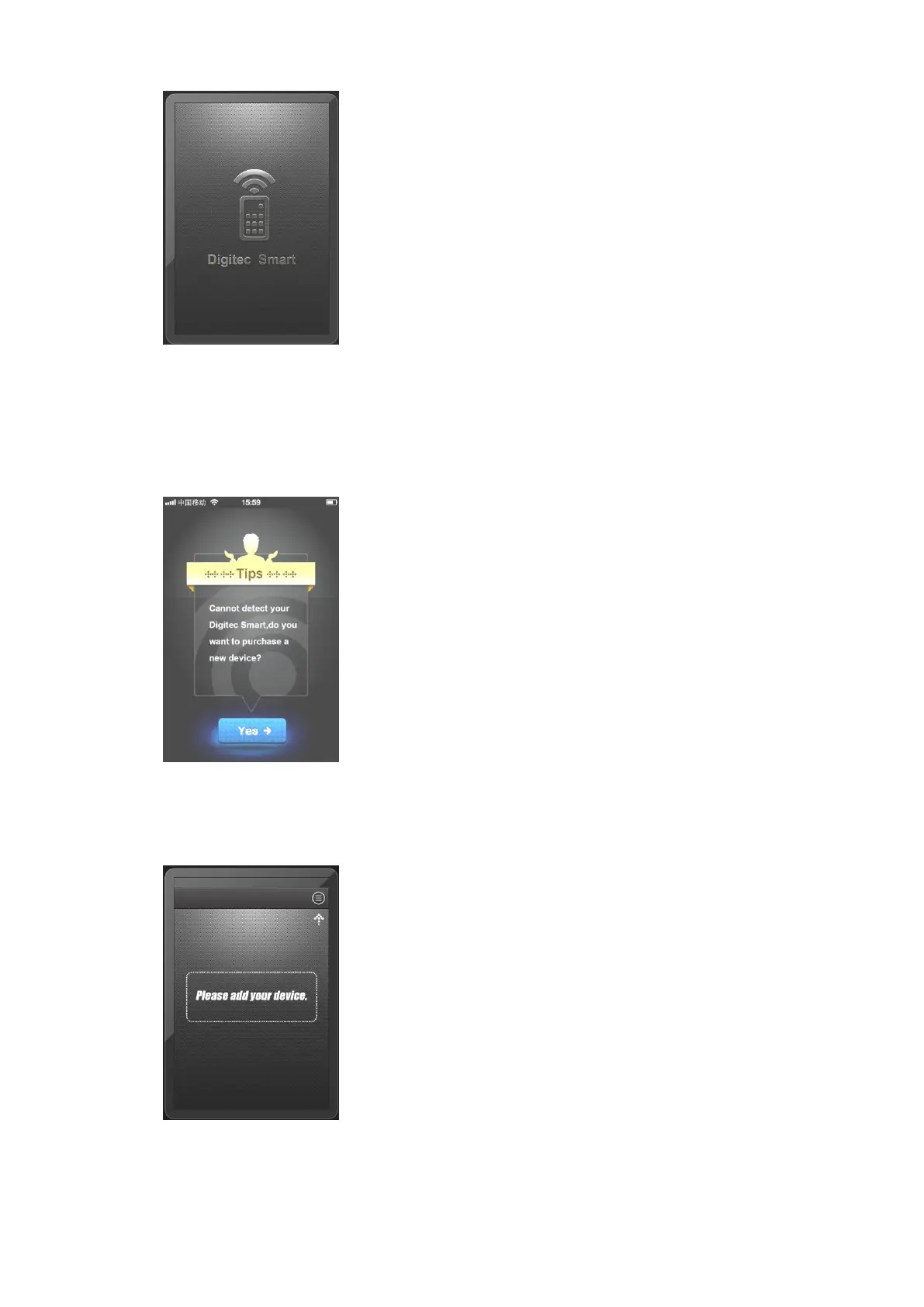
If users do not insert Digitec Smart into earphone jack, or insert a
wrong hardware, then the program show as follow, and indicate
users to buy a Digitec Smart.
If users insert the correct hardware into the earphone jack, App
also passes the verification. Then we can use Digitec Smart.
【3.2】Add Device
【3.2.1】If you use Digitec Smart for the first time,



 To Next Page