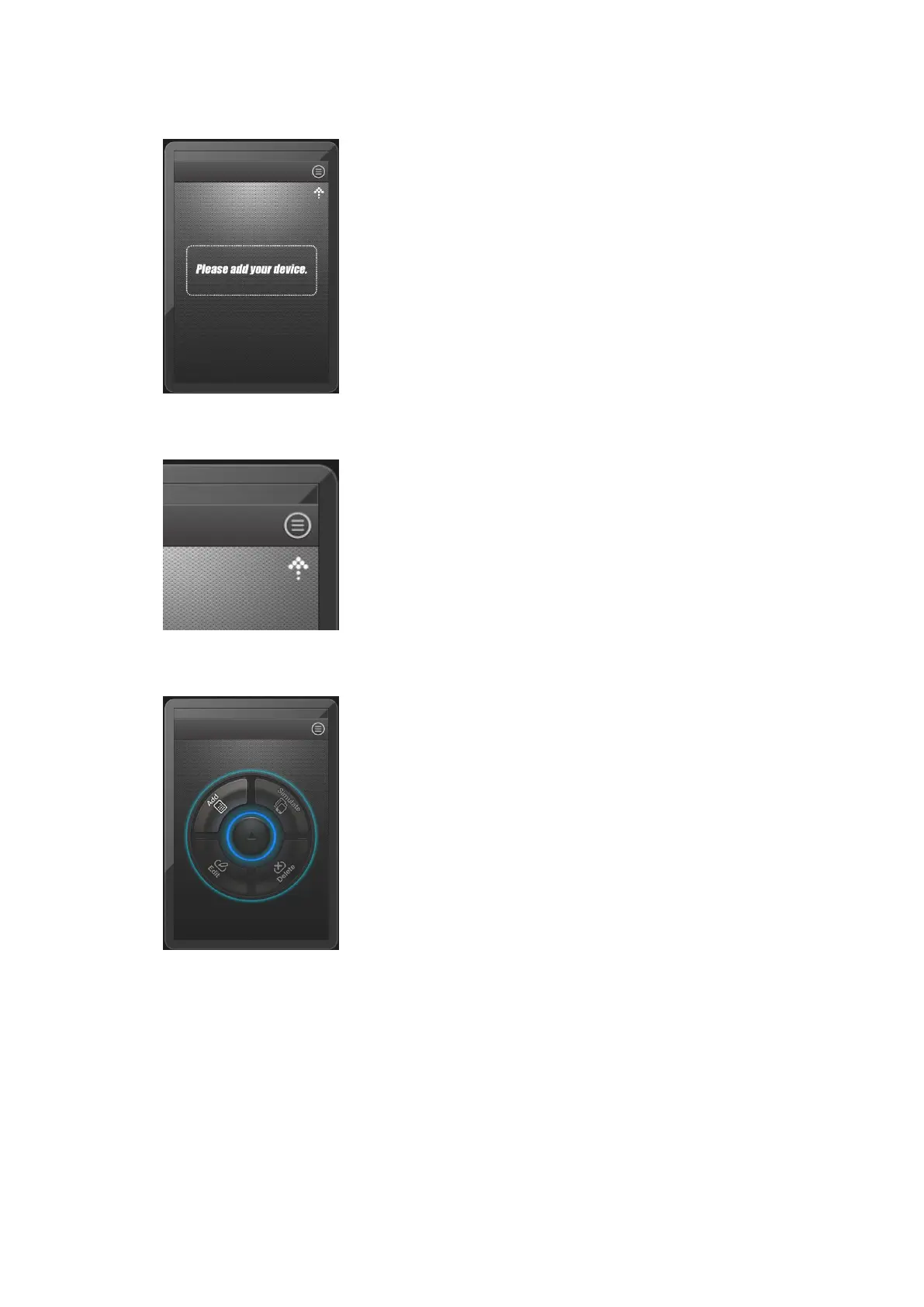
program show as follow:
Touch the “menu” button on the top right.
Show here:
Then we can see the whole menu function, there are four
functions show as here, Add, Edit, Delete, Simulate. Only Add
button is bright, we can use this function, the other three buttons all
are grey, they can’t be used yet! Because no device in the program
yet.



 To Next Page