Home
Digitec
Remote Control
Smart
Page 6
Digitec Smart - Page 6
16 pages
Manual
Save Page as PDF
To Next Page
To Next Page
To Previous Page
To Previous Page
Loading...
【
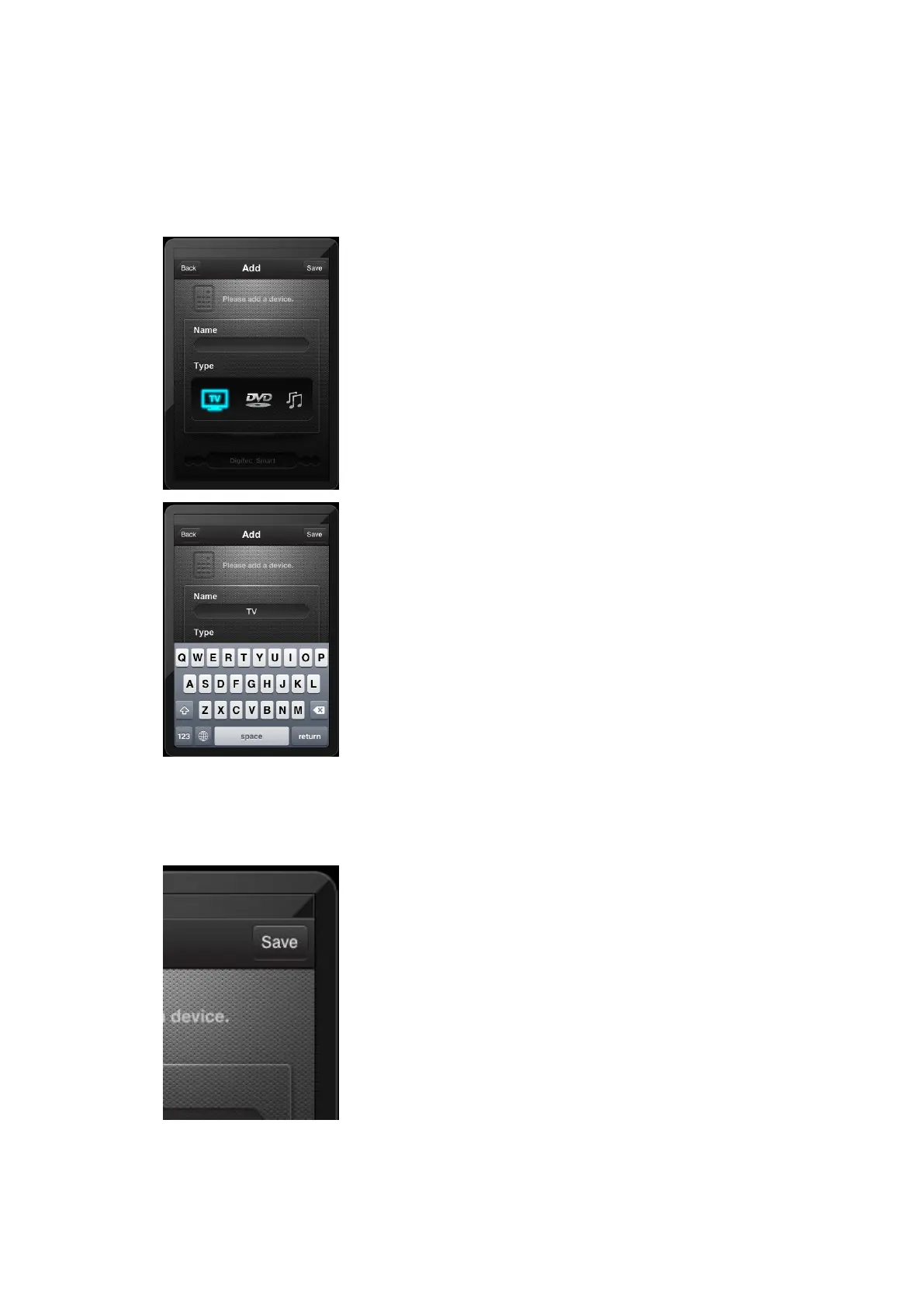
3.
2.2
】
Touch
the
Add
button
,
we can use this function to add
devices
into
the
program,
then
w
e
use
these
device
s
to
control
TV
,
DVD, STB or other devices.
【
3.
2.3
】
Input
the
device
name,
then
touch
the
“
save
”
button.
then the screen show as follow:
5
7



 To Next Page