4) Once your device is paired, the dongle menu
should display on the device’s screen as
follows:
- Connect dongle to Wi-Fi AP
- Switch between Miracast & DLNA
- Show media control panel
- Settings
5) Your device’s screen should now appear on
your TV or projector.
CONNECTING THE DONGLE TO YOUR WI-FI
ROUTER:
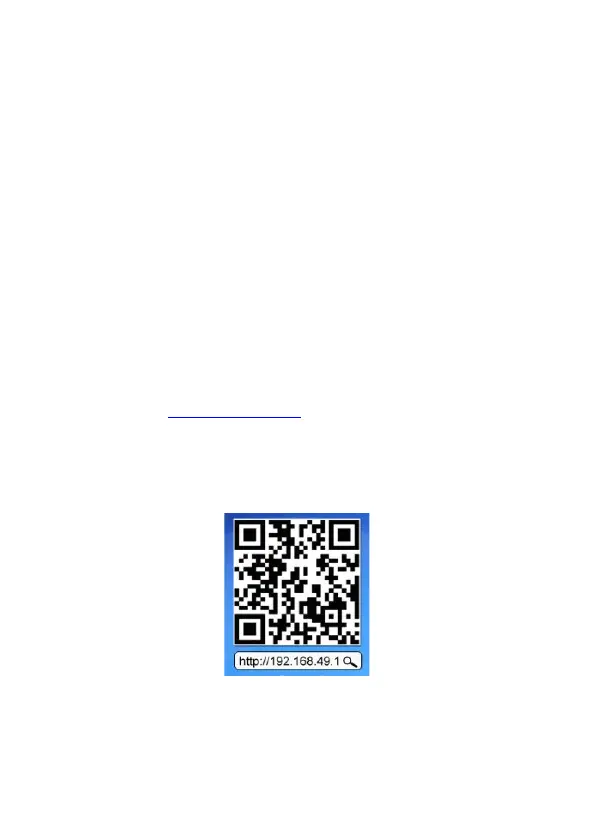
1) Open your device’s internet browser and
visit: “http://192.168.49.1” or use your device to
scan the QR code below.
2) Click on the signal icon (which should link the
dongle to your Wi-Fi router). You should only
have to follow this process once.


 To Next Page