11
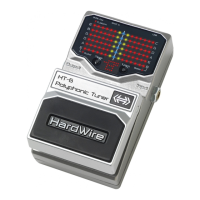
To set the HT-6 Tuner’s tuning reference, follow these steps:
1. Press the Foot Switch to turn on the tuner.
2. Press and hold the Tuning Button for 2 seconds. The currently
saved tuning reference will appear in the LED Display Matrix.
Successive presses of the Tuning Button will select the next tuning
reference. Continual pressing will cycle through all references.
3. Once the tuning reference you want to use is displayed, wait 3 seconds
and the pedal will return to normal operation and automatically save
this tuning reference.


 To Next Page
 Loading...