6
Select a location to store the project (or use the default location) and click OK. You
may want to create a new folder for each new project
5. (XP users only)
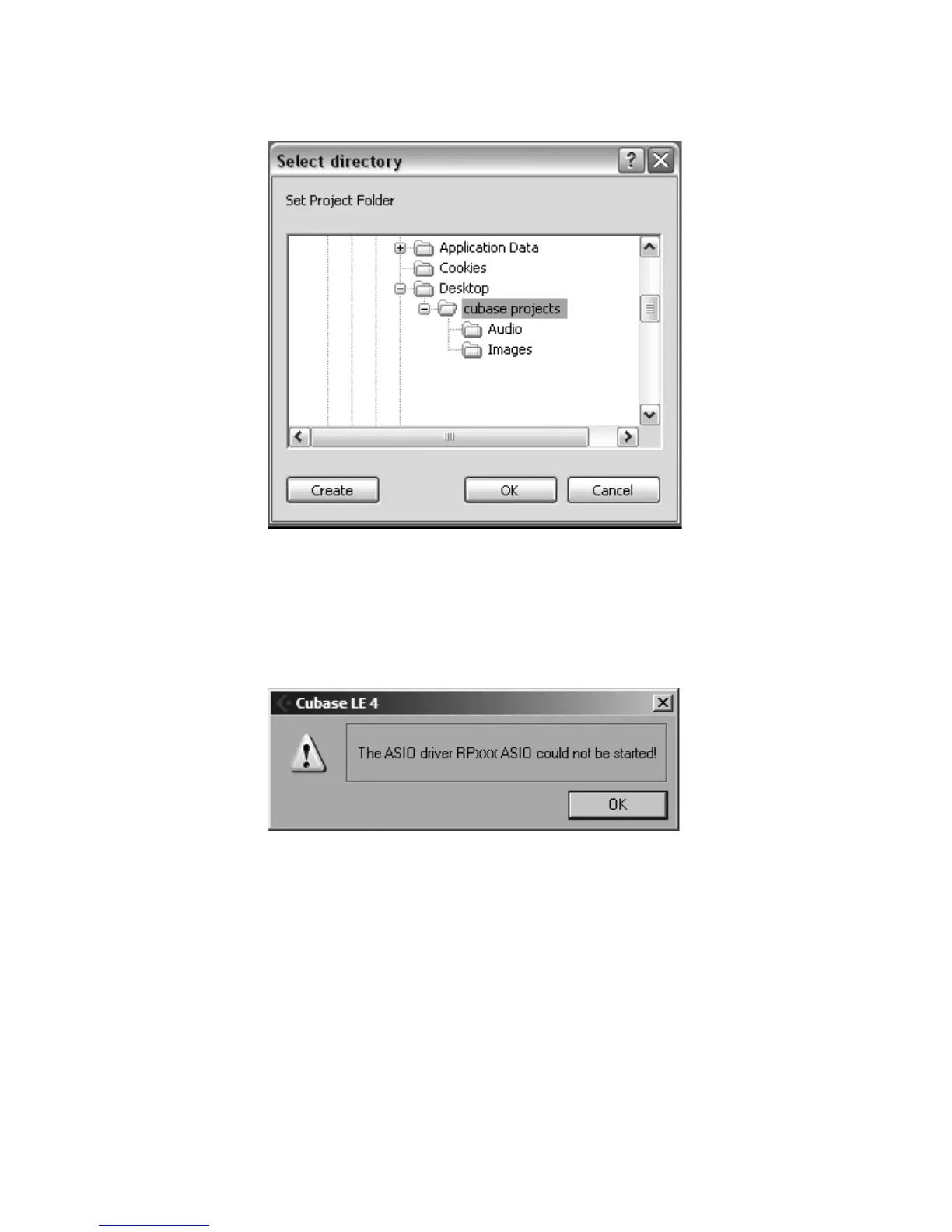
If you ever see the warning message shown below when opening a new or existing
project, you must reset the driver in the Device Setup dialog. To reset the driver, click
Devices > Device Setup, and click the Reset button.
1.


 To Next Page
 Loading...