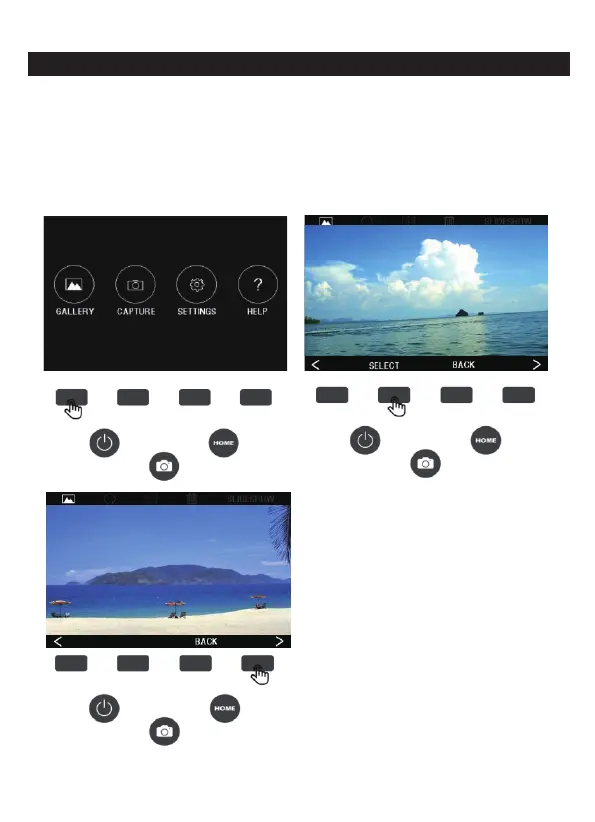
6. GALLERY MODE
1. In the HOME main interface, press the corresponding function key
of the GALLERY to enter the gallery interface, press the SELECT
key to confirm the view, press (<) on the left to view the previous
one, press (>) on the right to view the next one, to exit the gallery
mode, press the BACK button.
11 - EN



 To Next Page