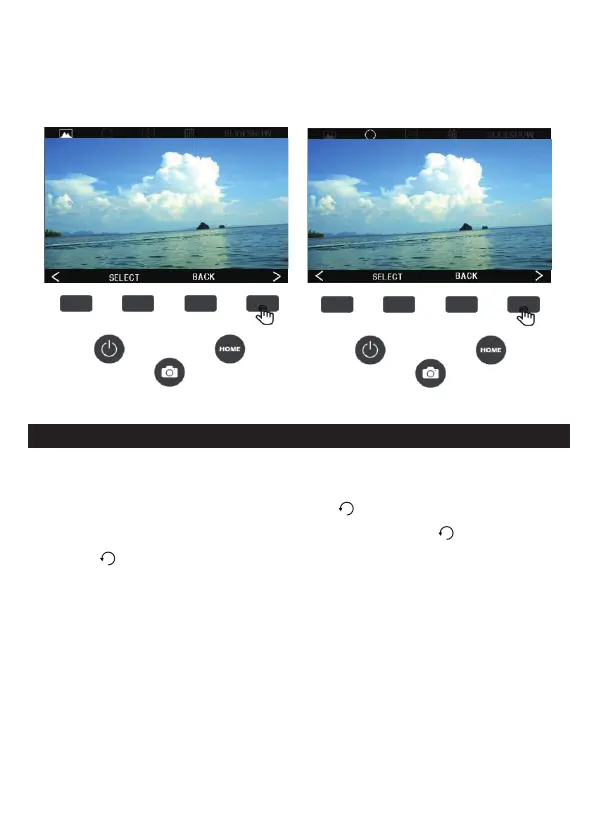
2. Press the (<) (>) button to switch between rotation, flip, delete and
slide. Press the ENTER button to confirm the entry. To exit the
option, press the BACK button.
6A. ROTATE
1. To rotate the picture, press the (<) (>) button to toggle the status
bar option at the top of the screen to ( ) rotate, then press the
SELECT button to confirm the entry option, press ( ) to rotate left,
press ( ) to rotate right, to exit the rotate mode, press the BACK
button.
12 - EN



 To Next Page