6C. DELETE
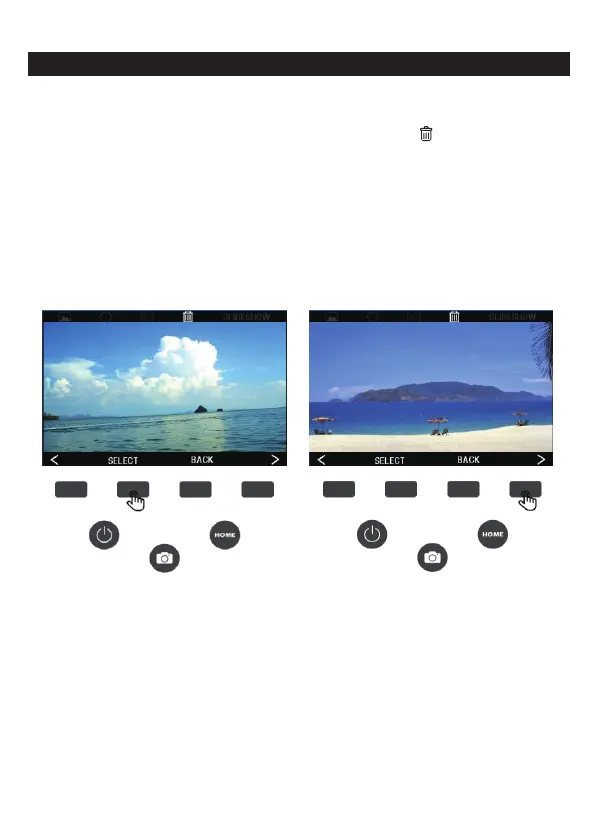
1.To delete the picture, press the (<) (>) left or right button to switch
the status bar option at the top of the screen to ( ) delete, then
press the SELECT button to confirm the entry option, press the (<)
left button to select the previous one, press ( >) right button to
select the next one, press the SELECT button to confirm the
deletion, the system will ask you to confirm whether you want to
delete the image, press Yes to del
ete, to exit the deletion, press
the BACK button twice.
14 - EN



 To Next Page