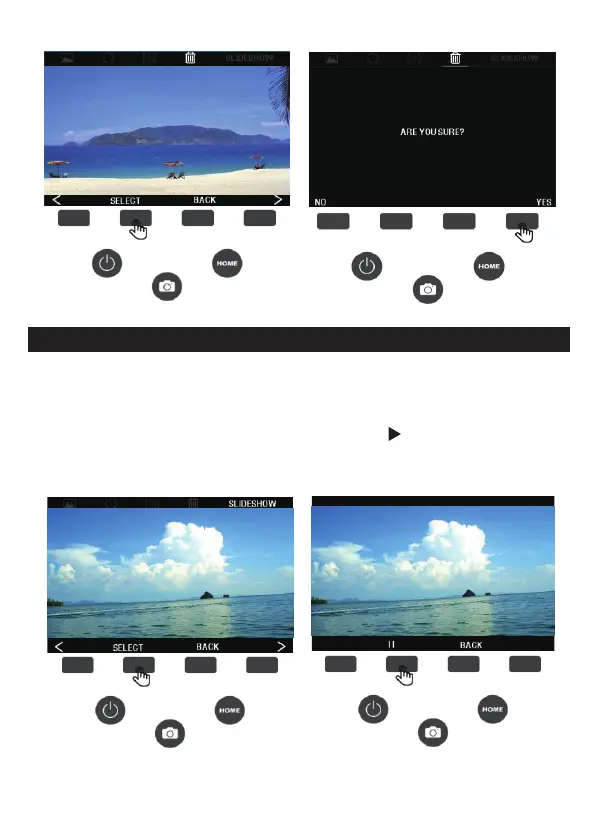
6D. SLIDESHOW
1. To play the slideshow, press the (<) (>) button to switch the status
bar option at the top of the screen to the slideshow, then press the
SELECT button to confirm the entry, press ( ) to start the
slideshow, press (
ǁ
) to pause. To exit the slideshow, press the
BACK button to exit the slideshow.
15 - EN



 To Next Page