7. SETTINGS MODE
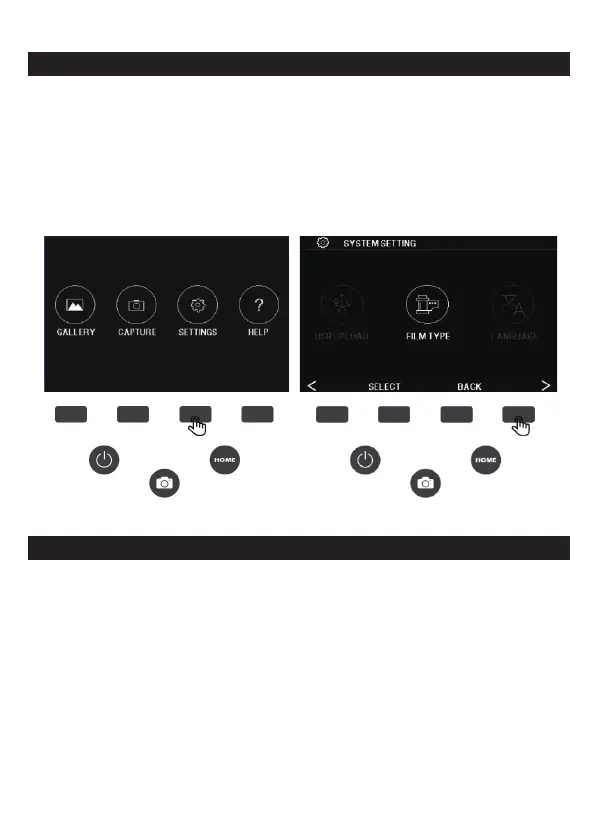
1. Press the corresponding function button on the HOME main
interface to enter the setting page. Press the (<) (>) left and right
button to switch between movie type, language, LCD brightness,
memory, resolution, USB upload. Press the SELECT button to
confirm the entry of the corresponding option. To exit the settings
page, press the BACK button.
7A. FILM TYPE
1.In the setting interface, press the SELECT function key
corresponding to the film type to enter the film type setting, press
the (<) (>) left and right button to switch between the film type
Negative, Slides, B&W options, press the SELECT key to confirm
the entry of the corresponding option. To exit the film type setting,
press the BACK button.
16 - EN



 To Next Page