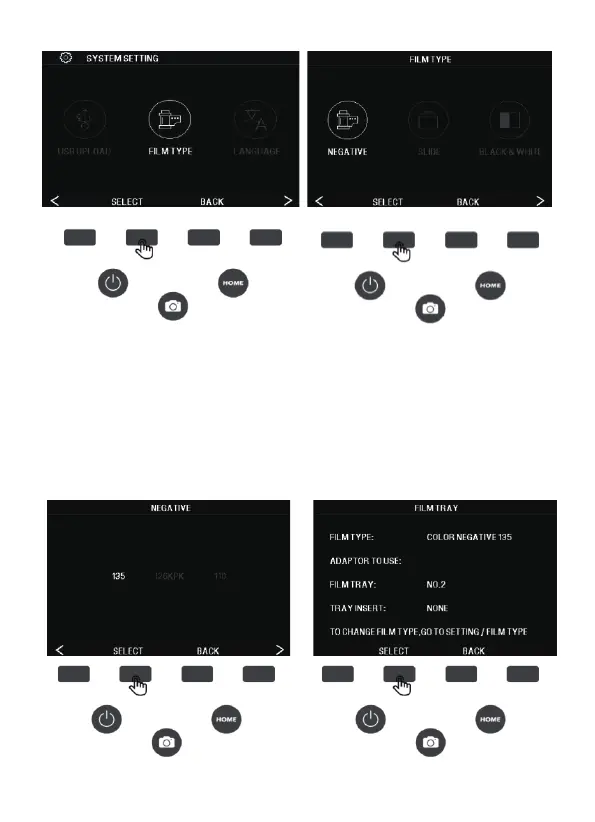
2. After entering, press the (<) (>) left and right button to select the
film size, press the SELECT button to confirm the selection, the
interface displays the tray information, And then press the SELECT
button to confirm the entry of capture mode.
Negative: 135,126, 110
Slides: 135,126, 110, SUPER8, 8MM
B&W: 135, 126,110
17 - EN



 To Next Page