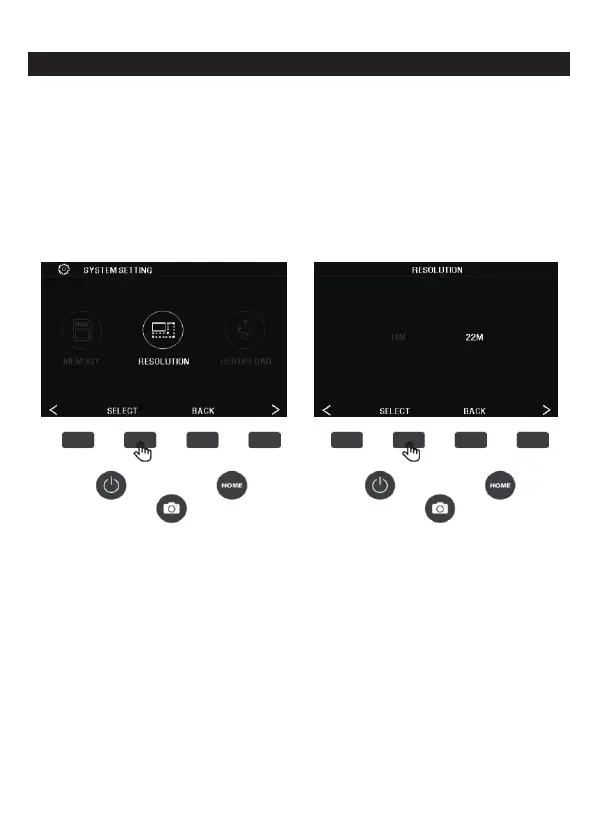
7B. RESOLUTION
1.In the setting interface, press the SELECT function key
corresponding to the resolution to enter the resolution setting.
Press the (<) (>) left and right button to select the standard 14
megapixel scan,Or enable built-in software interpolation to boost
image quality to 22 million pixels with a professional
algorithm ,press the SELECT button to confirm the selection, to exit
the resolution settings, press the BACK button.
18 - EN



 To Next Page