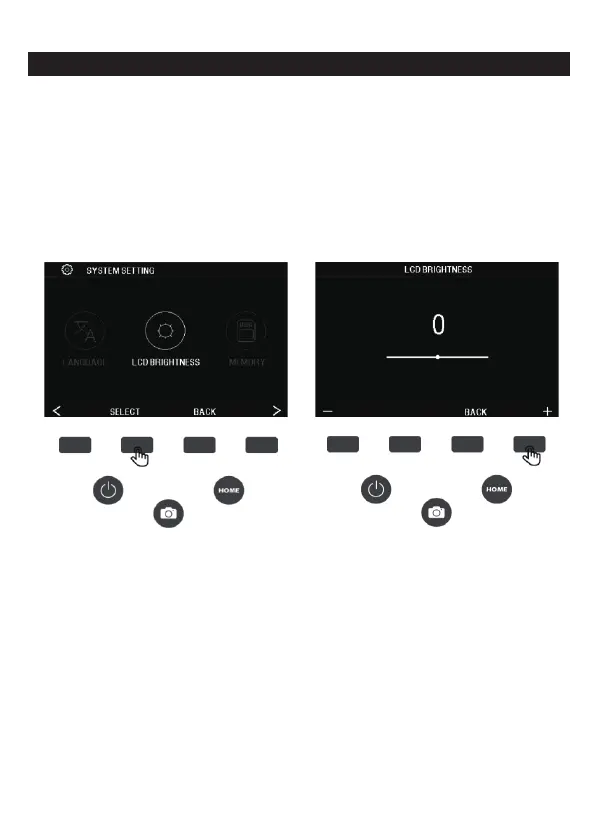
7C. LCD BRIGHTNESS
1.In the setting interface, press the SELECT function button
corresponding to the LCD brightness to enter the LCD brightness
setting. Press the (-) minus function button to decrease the
brightnessthe , Press the (+) increase function button to increase
the brightness.To exit the LCD brightness setting, press the BACK
button.
19 - EN



 To Next Page