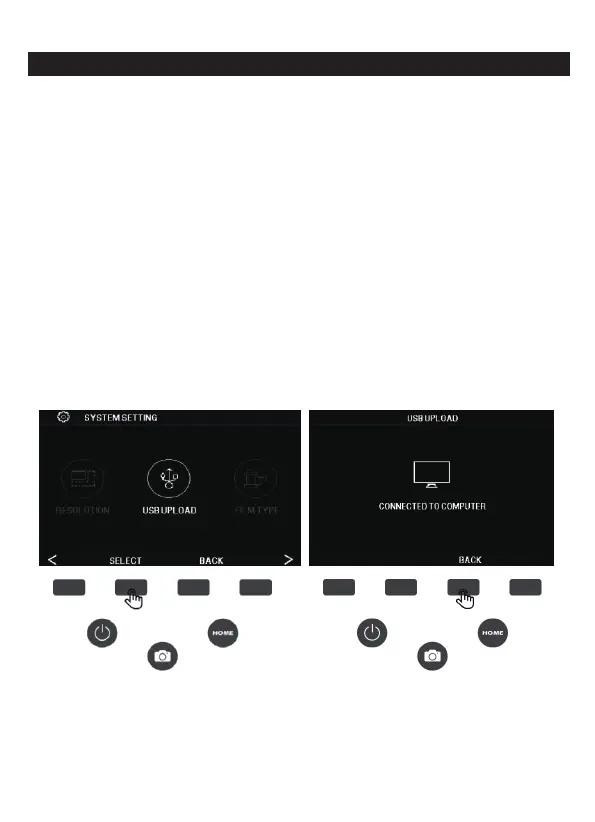
7D. USB UPLOAD
In the setting interface, press the USB UPLOAD function key
corresponding selection to enter USB upload. This mode allows the
SD card to be accessed from your computer (not included), press the
SELECT button to confirm the connection.
1. Wait for the scanner to connect to your computer. This may take a
few seconds. When connecting, your computer recognizes the
scanner as an external device.
2. When finished, to disconnect, press the BACK button.
Note
: Although connected to a computer, you will not be able to
use the film scanner.
1. Use the included USB cable to connect the scanner directly to your
computer.
2. Select USB UPLOAD from the Settings menu.
20 - EN



 To Next Page