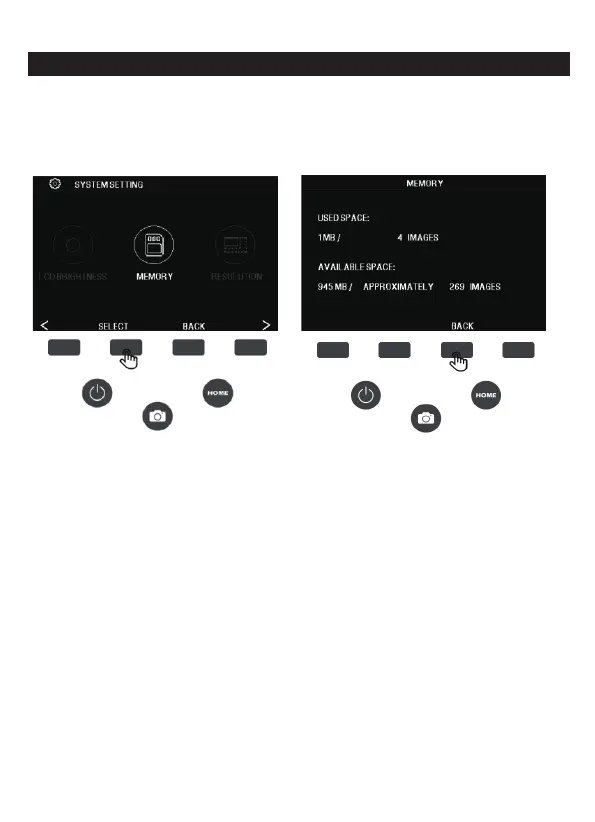
7E. MEMORY
In the setting interface, press the MEMORY corresponding selection
function key to enter the memory view. To exit the memory view,
press the BACK key.
You will be able to see the current and available space on the
inserted SD card(not included). The image count is an approximation
and may not be an accurate reflection of the available space.
Note: This film scanner is not equipped with internal memory and an
SD card (no
t included) must be inserted to save the photo.
21 - EN



 To Next Page