8. HELP MODE
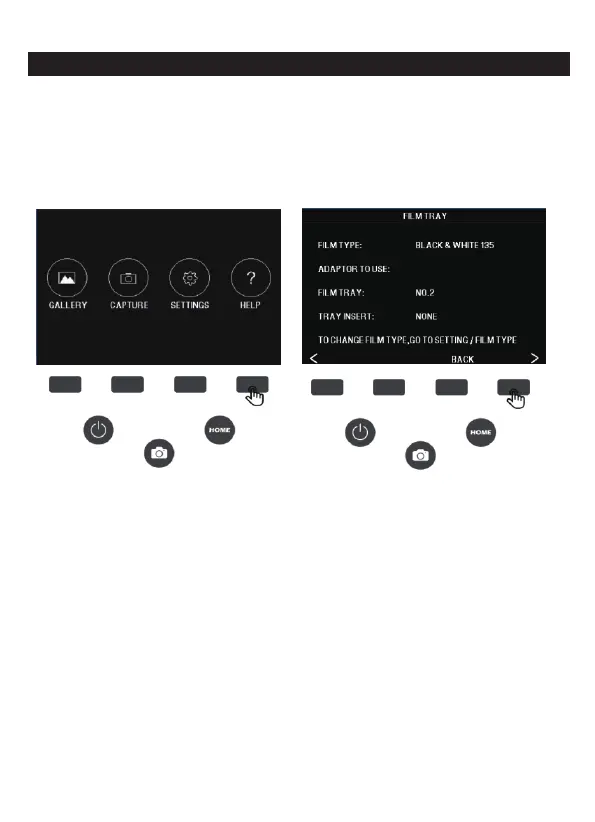
Press the HELP function key on the HOME main interface to enter
the help. Go to Help to view the tray information and you will be able
to see the adapter information required for each compatible film or
slide type. Press the (<) (>) button to switch between tray information.
To exit the help, press the BACK button.
Note: The film type cannot be actively changed from the HELP tray
information. To change the film type, select the fil
m type from the
SETTINGS menu as described in section 9A of this user manual.
24 - EN



 To Next Page