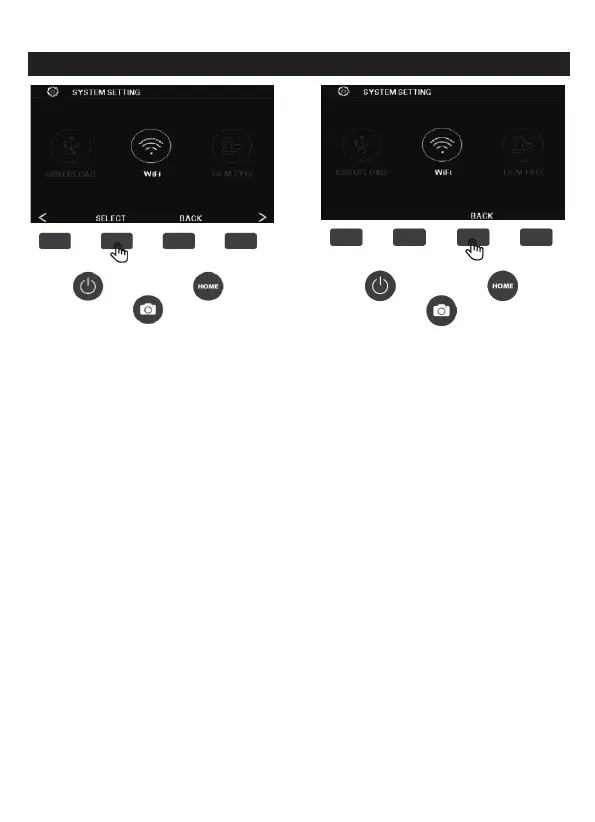
7G. WIFI
In the setting interface, press the WIFI corresponding SELECT
function button to open the WIFI hotspot. To turn off the WIFI, press
the BACK button.
This mode allows you to access the scanner via mobile WIFI, scan
the QR code on the box or on the front cover of the instruction
manual to install the mobile application, after installation, you can
access the scanner through the mobile APP.
Open the "Film Scanner" software on the mobile APP you
just
installed, follow the software prompts to search for WiFi hotspot with
the name "C101_xxx", then enter the password "12345678" to
confirm the connection, after connecting, re-open the "Film Scanner"
software, click to open the "DCIM" folder that appears, and then open
the "PHOTO" folder, you will see photos you scanned. You can view,
download or delete the photos.
23 - EN



 To Next Page