4C. OPERATION
1.Insert the SD card (not included) into the scanner first, then connect
the scanner to the power supply via USB cable, then press and
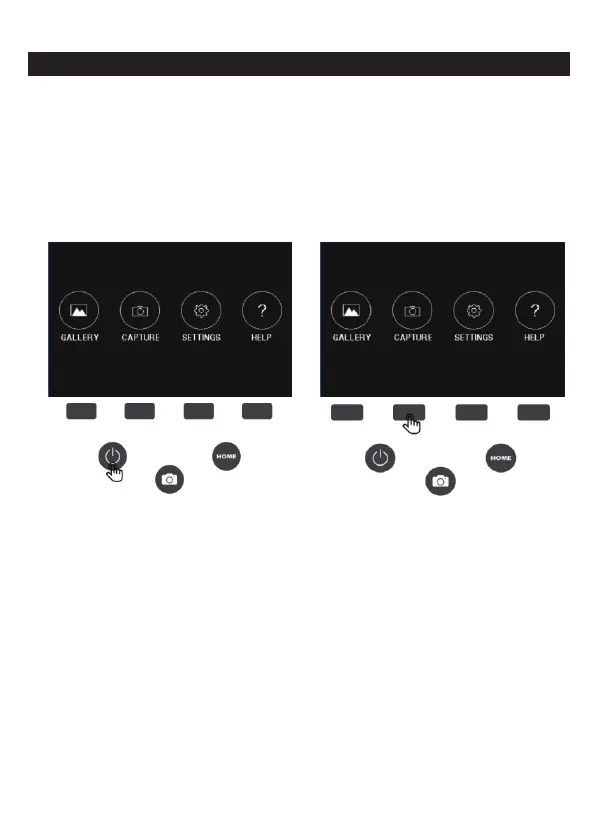
hold the "ON/OFF" button for 2 seconds. After booting, the HOME
main interface will be displayed. The HOME main interface
contains 4 sub-menus: Gallery, Capture, Settings, Help. The 4 sub-
menu on the screen corresponds to 4 function keys, Pressing each
function key will enter the corresponding menu.
2.At any time, simply press the Capture button and the film scanner
will automatically enter the Capture main interface.
At any time, simply press the Home button and the film scanner will
automatically enter the Home main interface.
6 - EN



 To Next Page