5. CAPTURE MODE
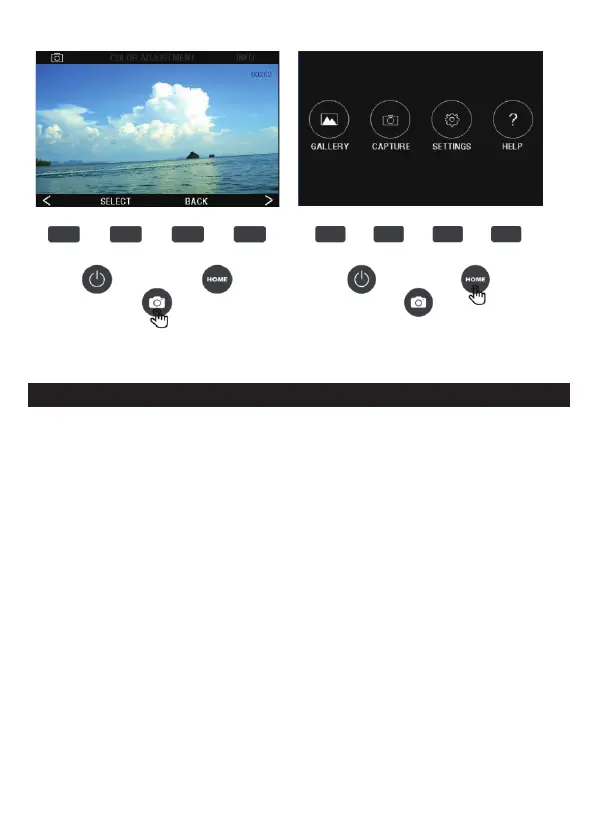
1. Press the corresponding function key on the HOME main interface
to enter the shooting interface, press the CAPTURE button
(camera icon) to shoot and save the image, or press the SELECT
button to shoot. The number of photos that can be displayed in
the upper right corner of the screen will be reduced. To exit the
capture mode, press the “BACK” button.
Note: If the SD card is not inserted (not included), the message
“ No memory card
inserted” will be displayed.
7 - EN



 To Next Page